Converting from Shopping List
Prerequisite Users have editing permissions in the current collaborative space. First Shopping list for items needing stock restocking. The shopping list card will display a bound item style.
The shopping list card can be converted in 2 ways:
- #Click the □ located in front of the shopping list card
- #Click “Restock” in the details of the shopping list
Click the □ located in front of the shopping list card
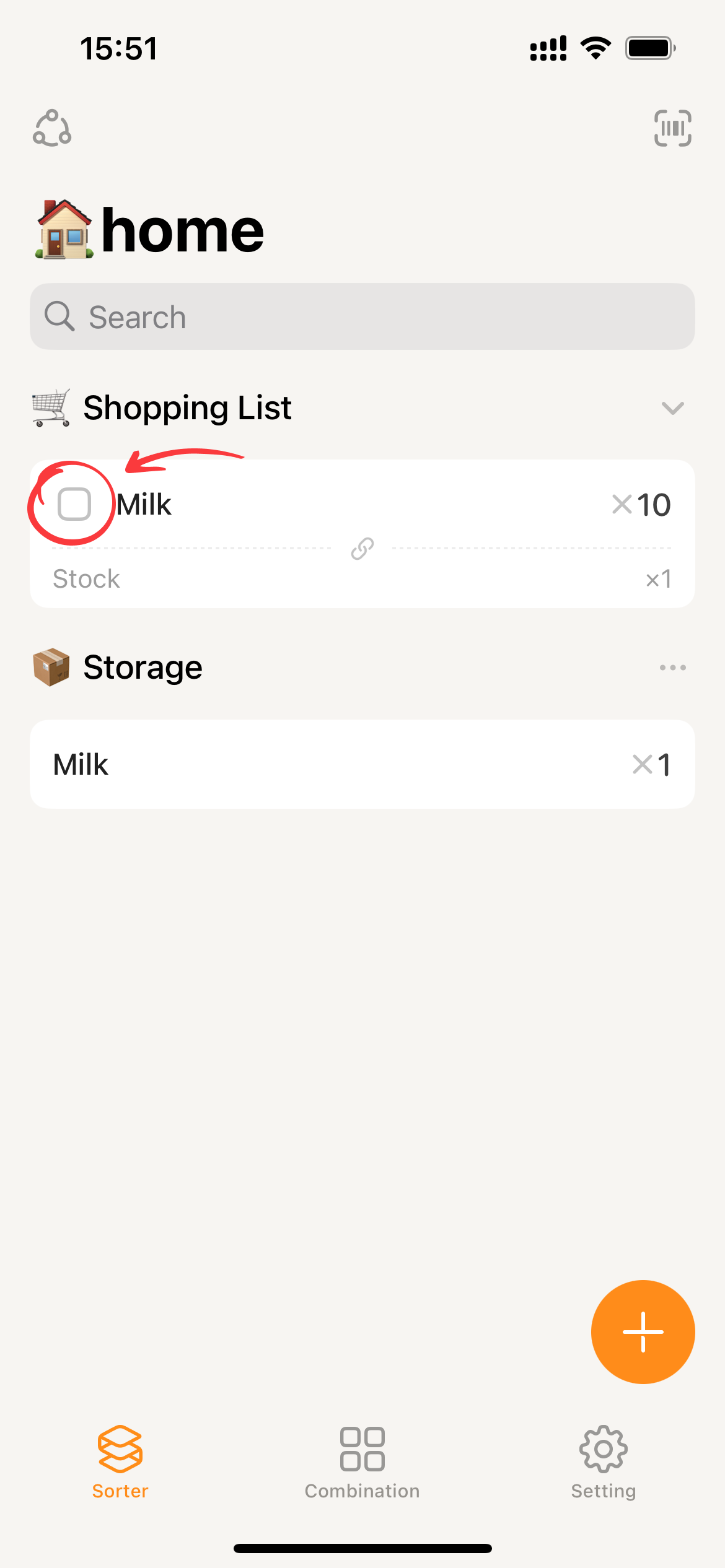
- Click the
□in front of the target item card in the shopping list.
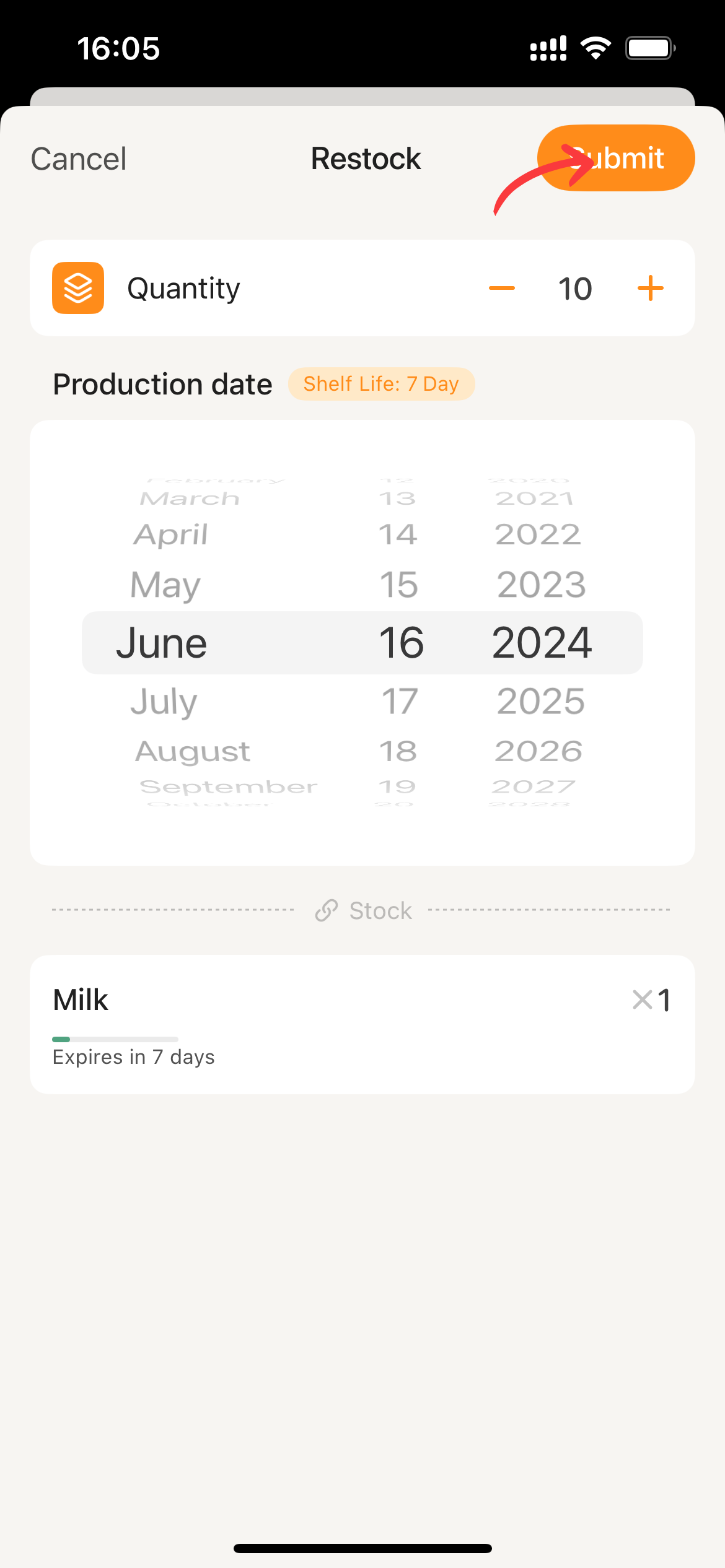
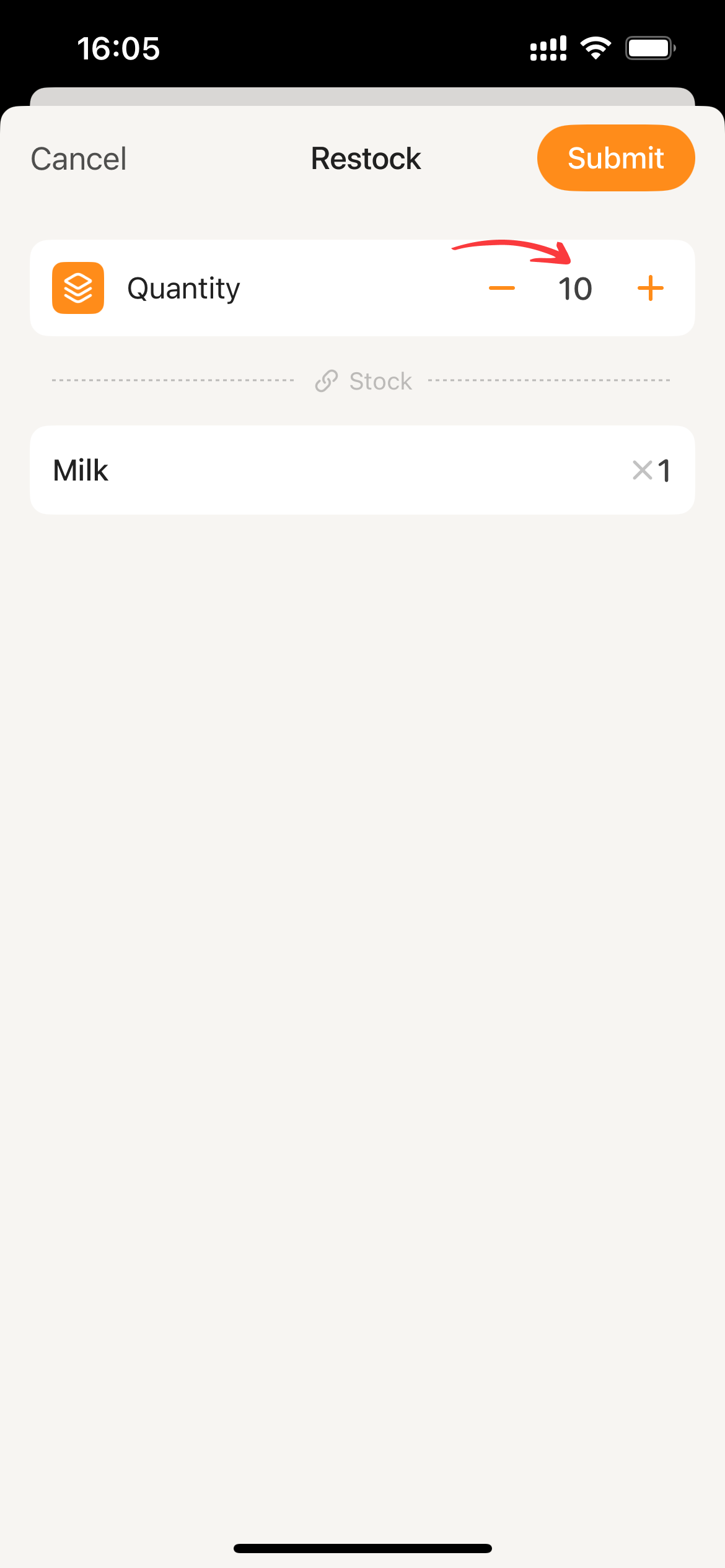
- Enter the desired quantity. If there is expiration information available, input the corresponding expiration details for the restock.
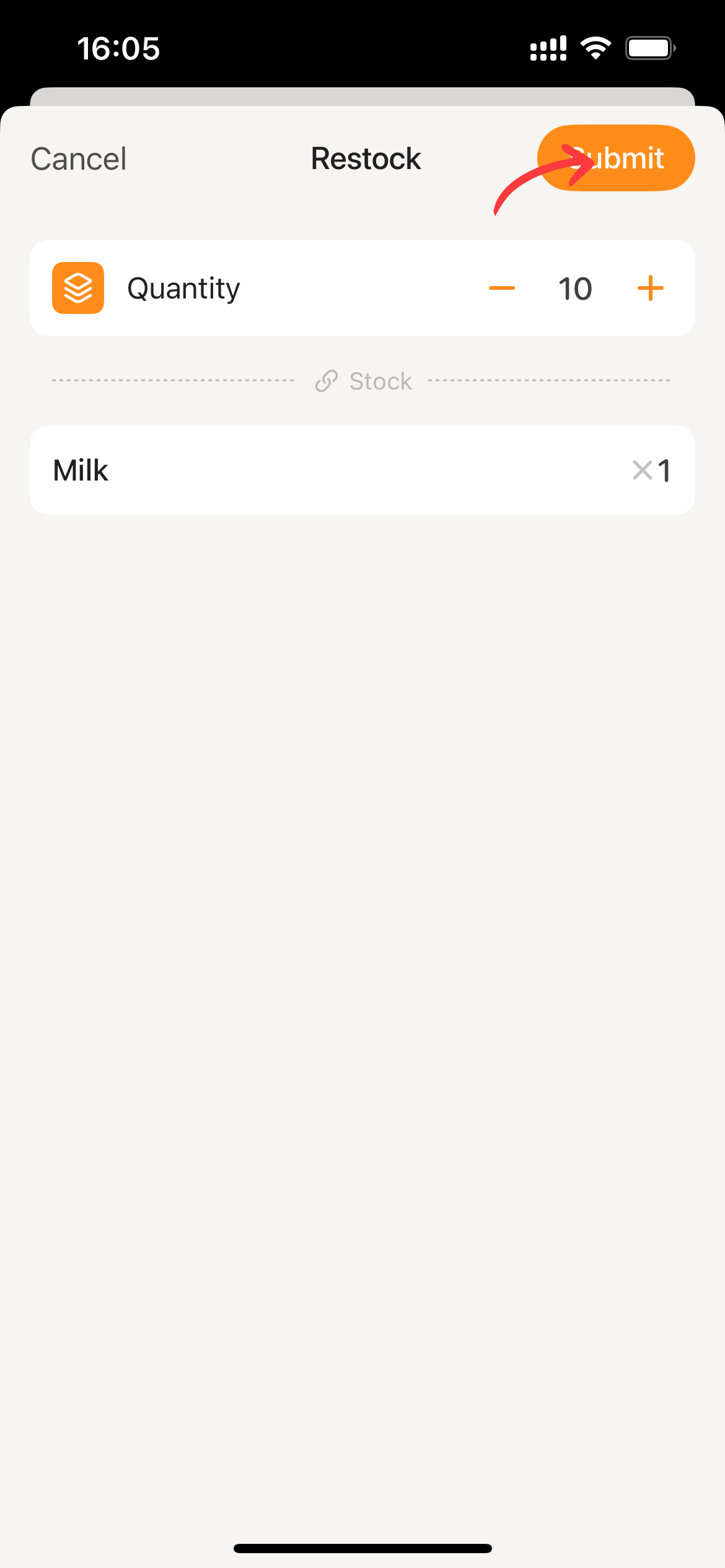
- Click
Submitto restock.
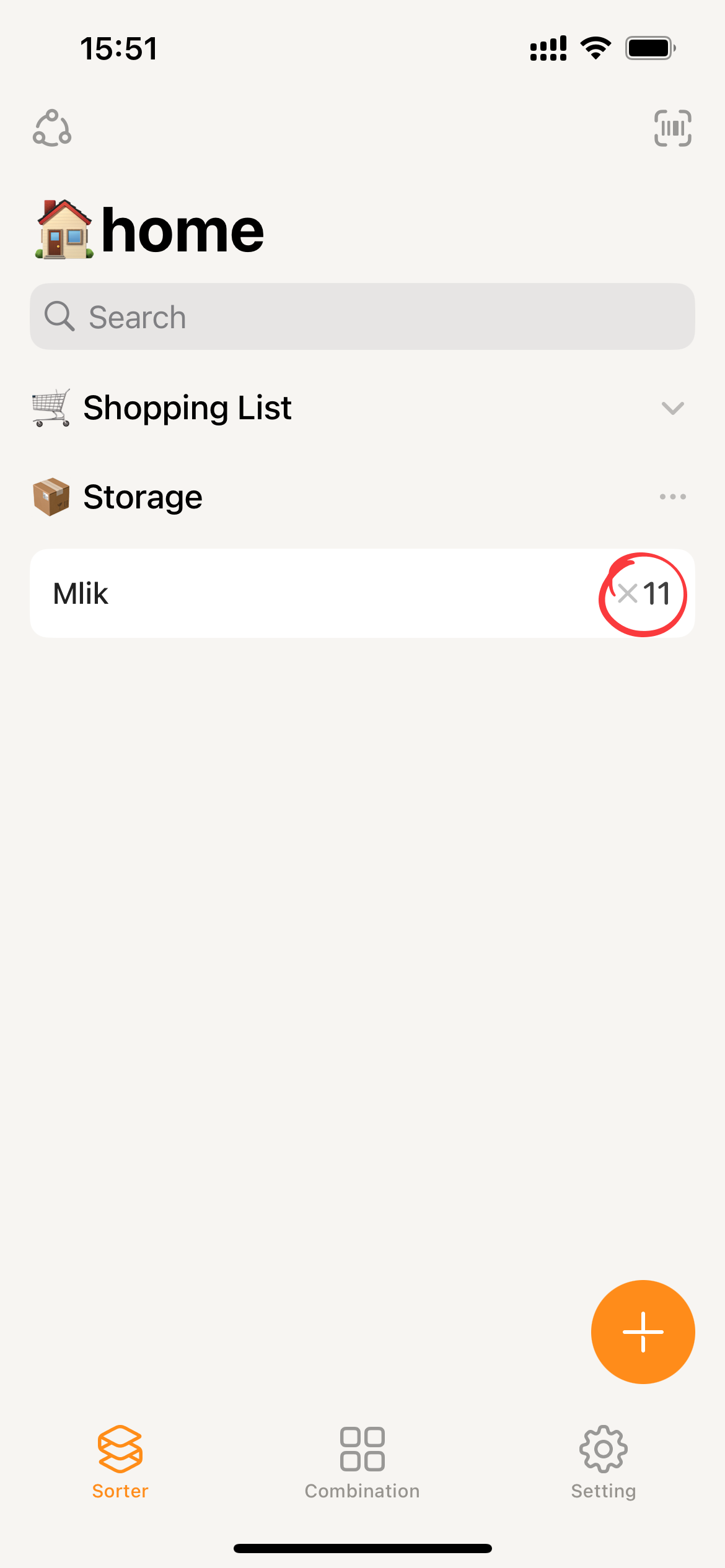
Click “Restock” in the details of the shopping list
- Click on the shopping list card to enter its details.
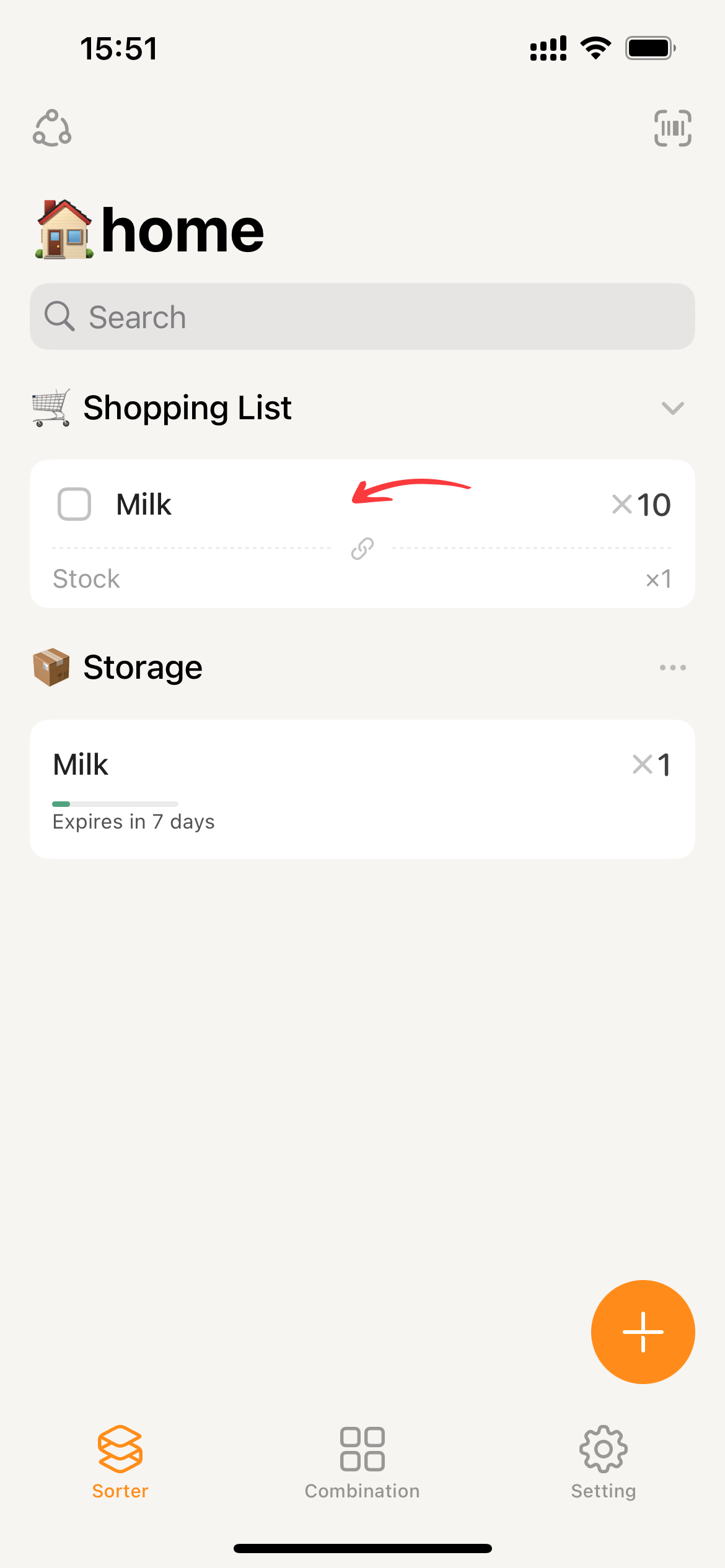
- Clicking on Restock will bring up the restock page.
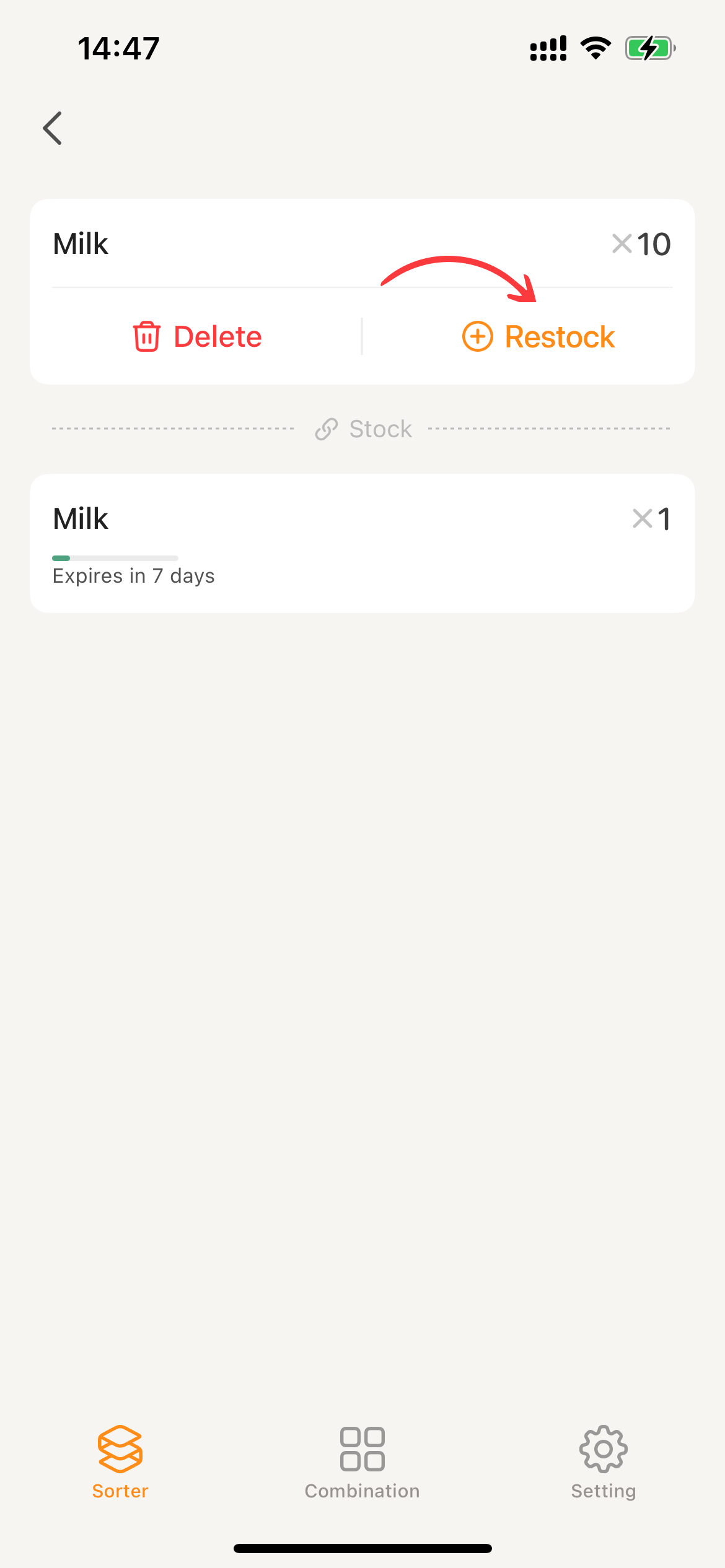
- The remaining steps are the same as Click the □ located in front of the shopping list card: enter the quantity or shelf life information.
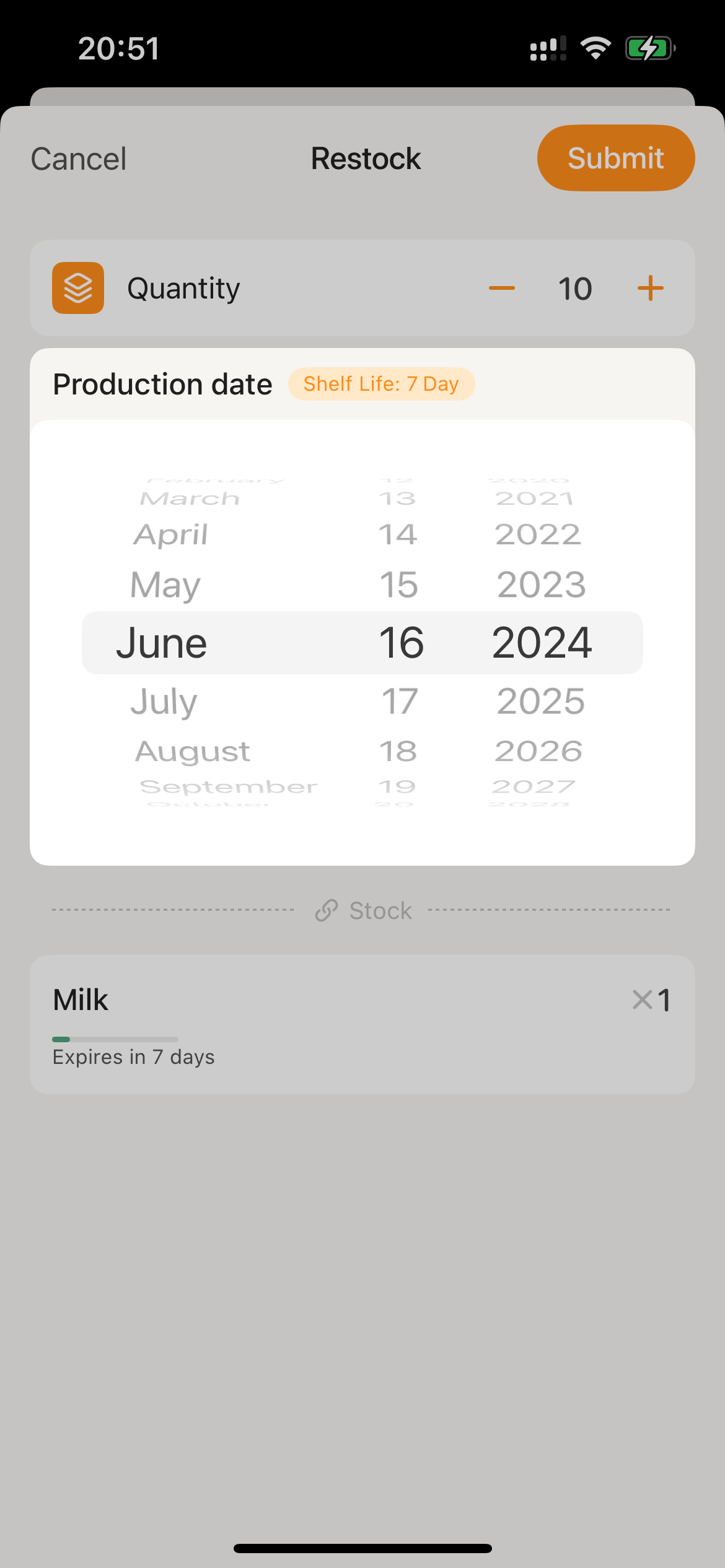
- Click
Submitto restock.