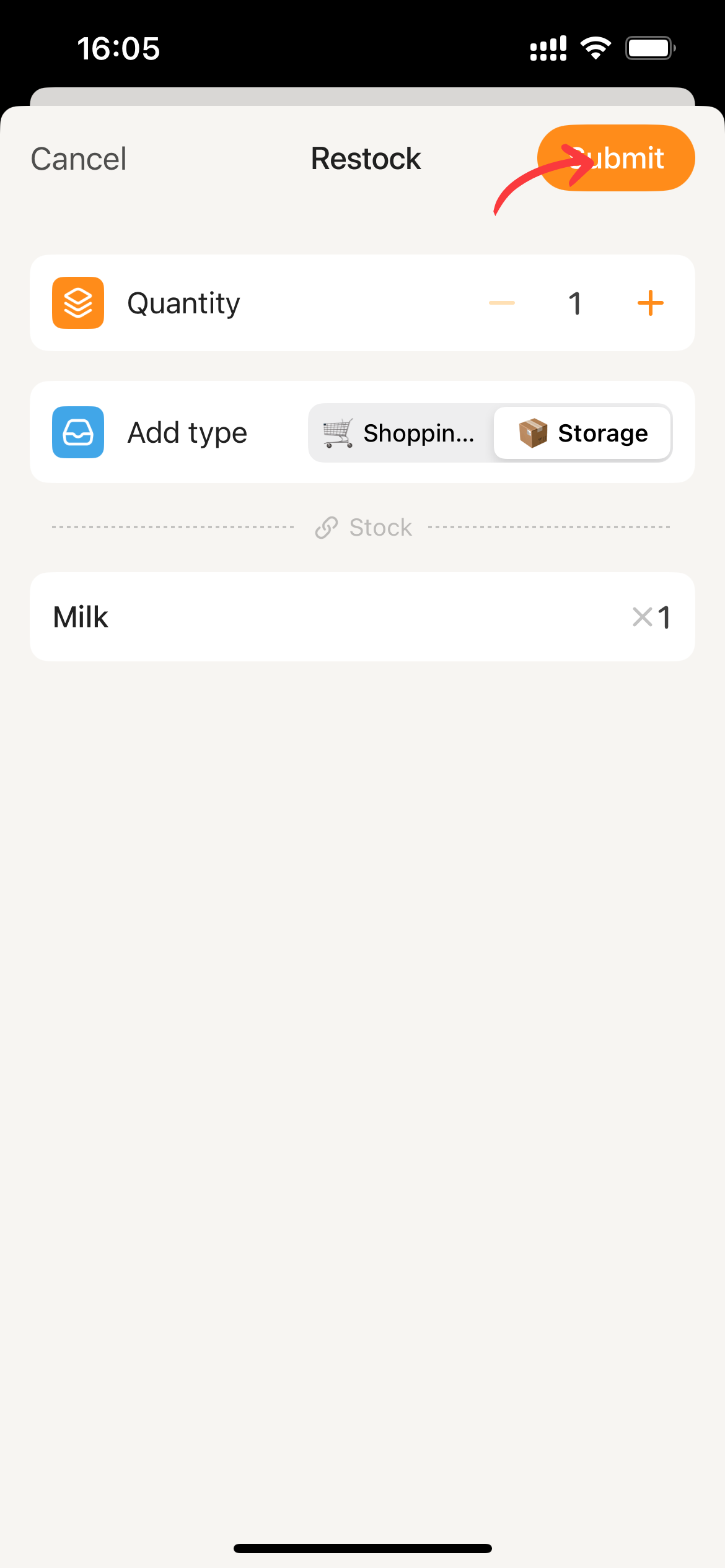
"Restock" on the item details page
Prerequisite Users have editing permissions in the current collaborative space.
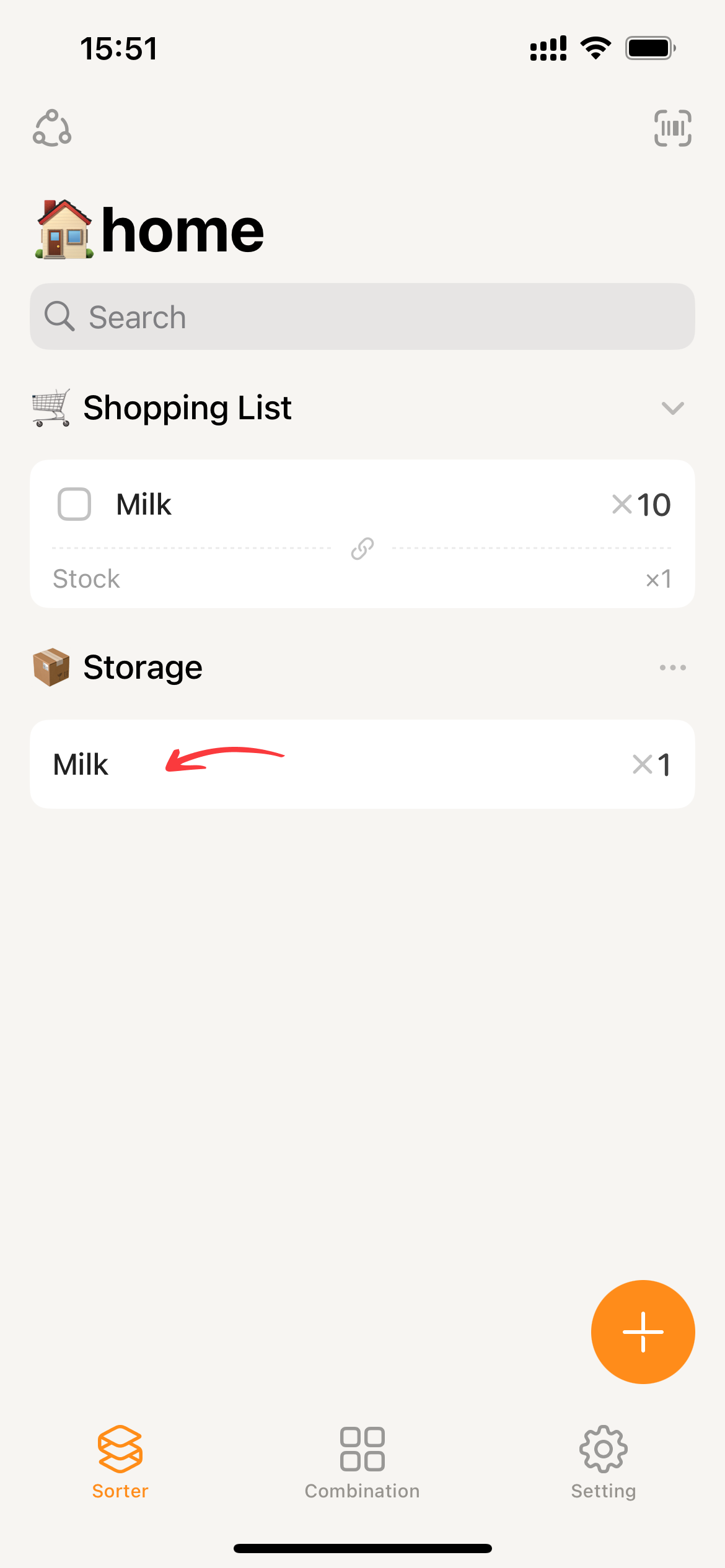
- Click on the item card to enter its details.
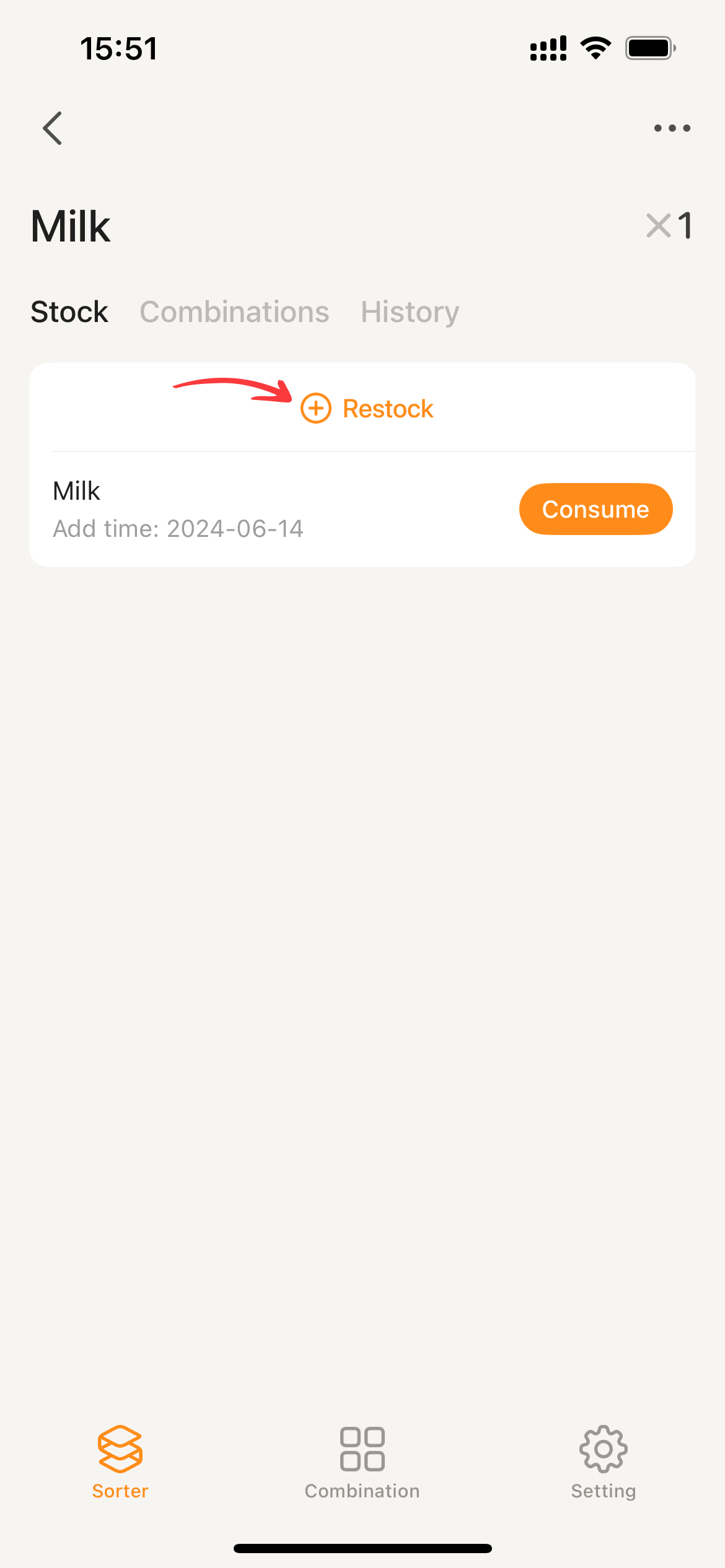
- Switch to the stock tab, click on
restock.
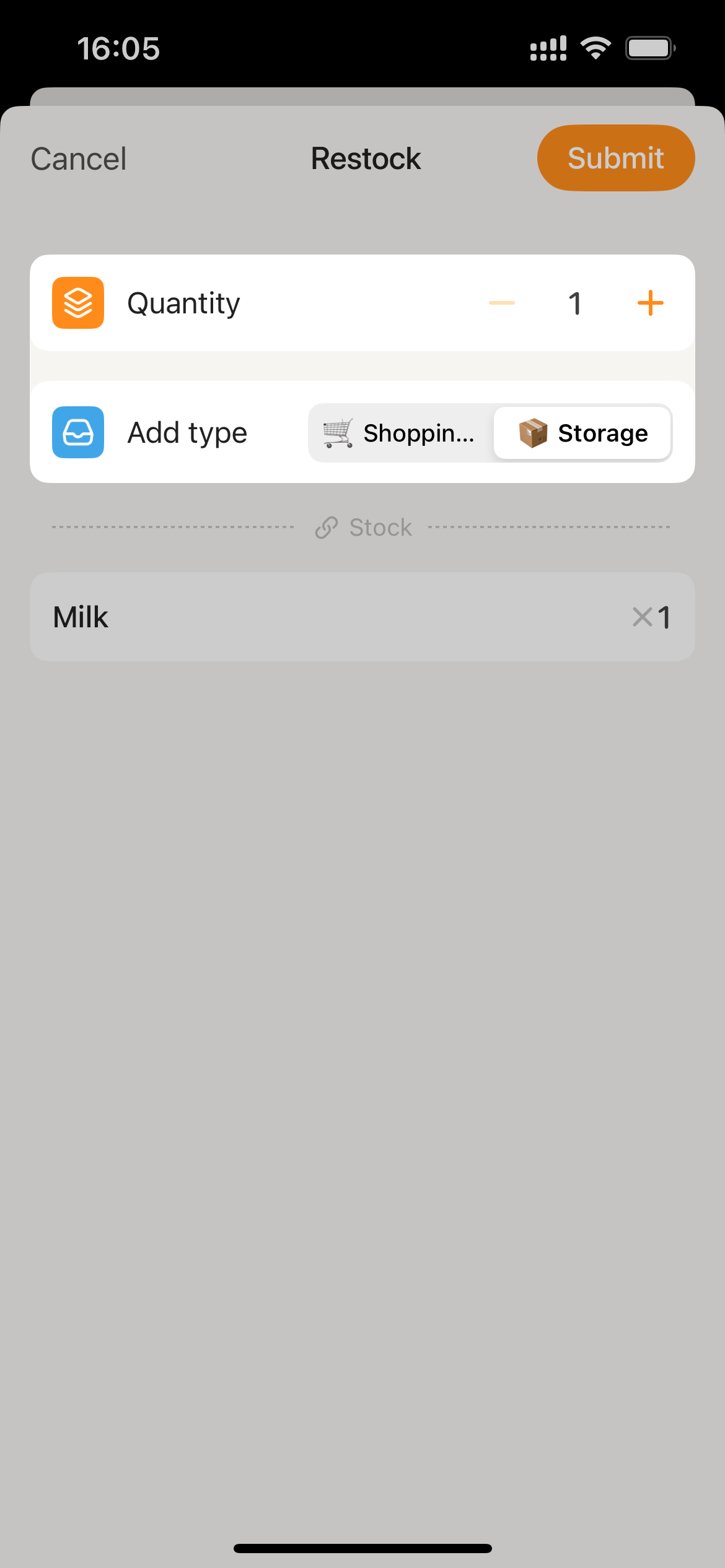
- Select ‘Storage’ as the add type, enter the quantity. If there is expiry information, enter it corresponding to the added inventory.
- Click
Submitto restock.