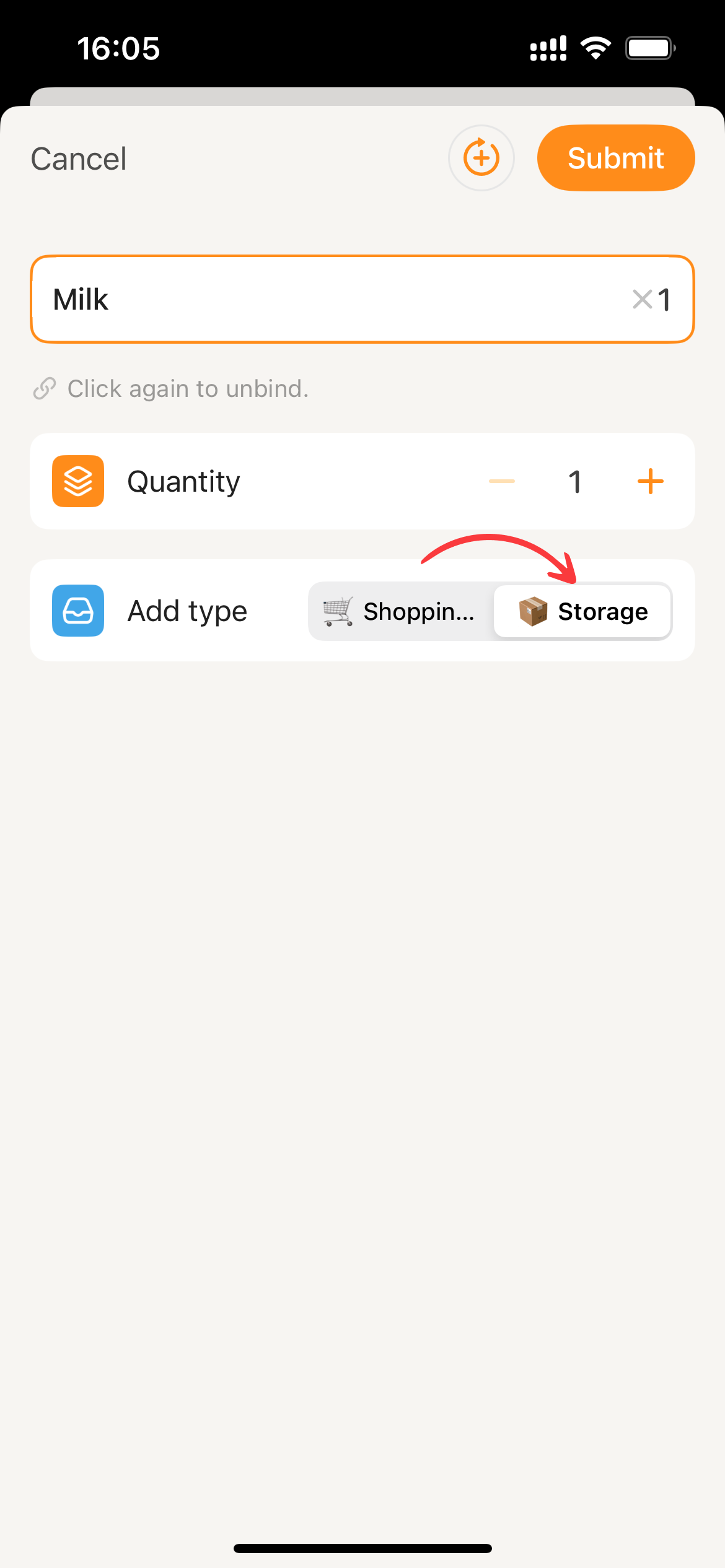
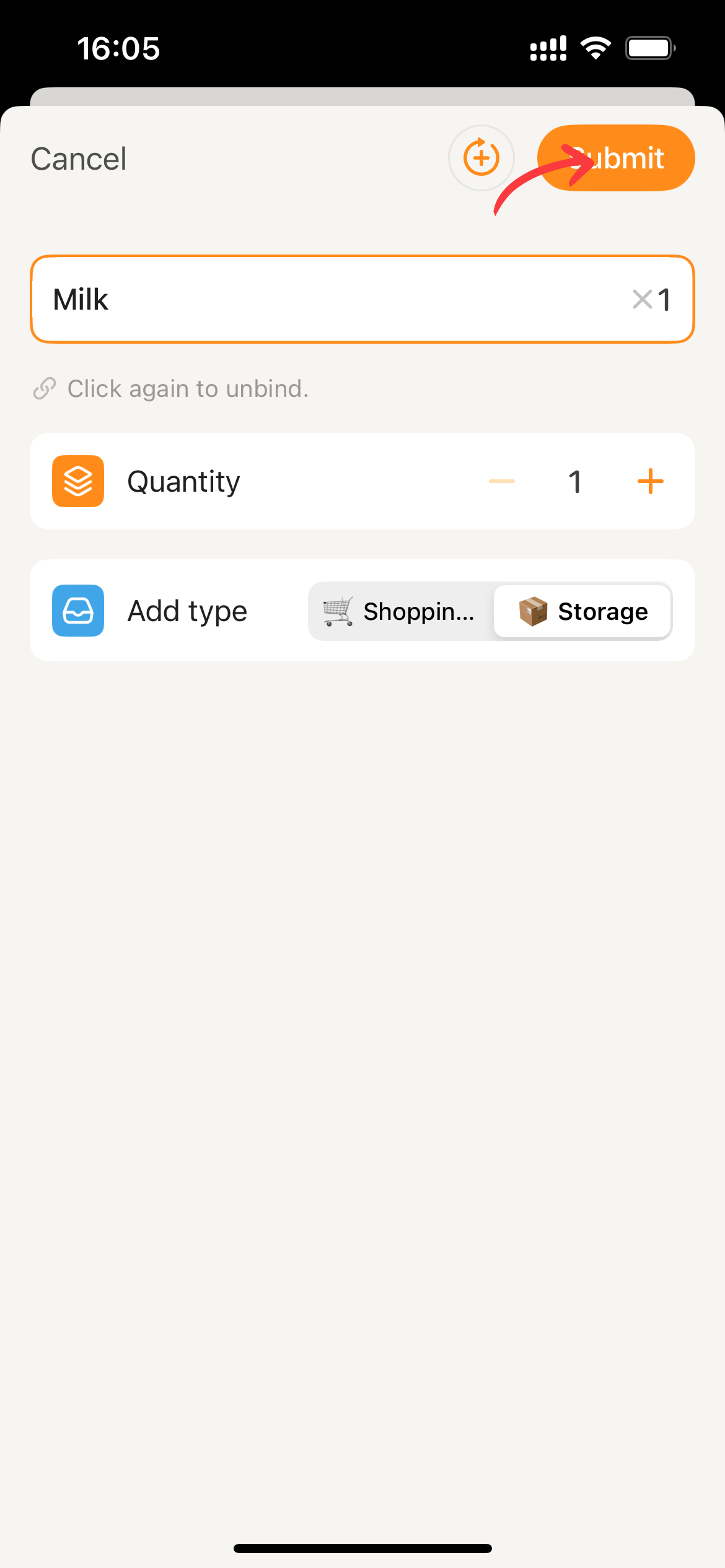
Restock from Adding an Item
Prerequisite Users have editing permissions in the current collaborative space.
Note: This process is similar to the Add by association method for adding to the Shopping List. The difference is that you need to select “Storage” in the “Add Type” component.
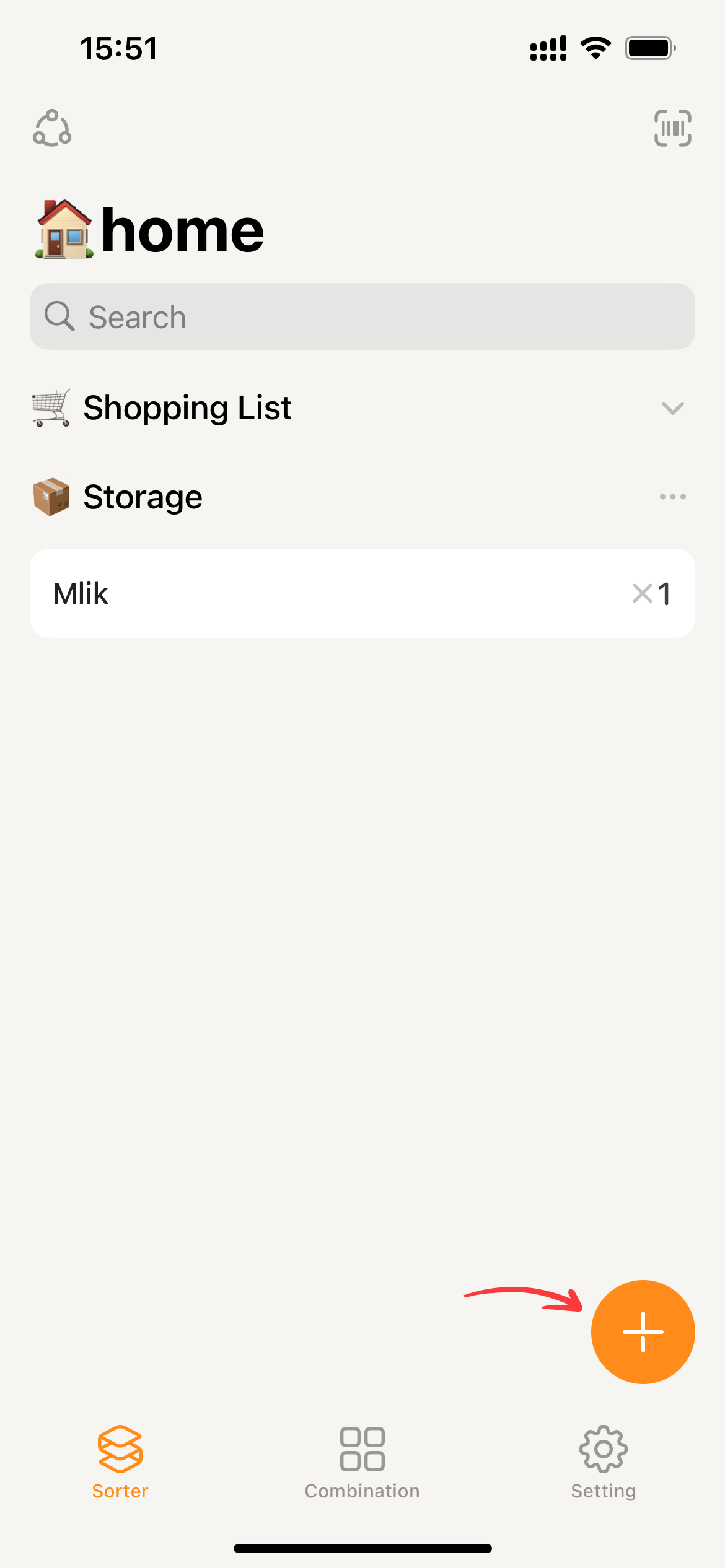
- On the homepage, tap the
+, which will bring up the add item page.
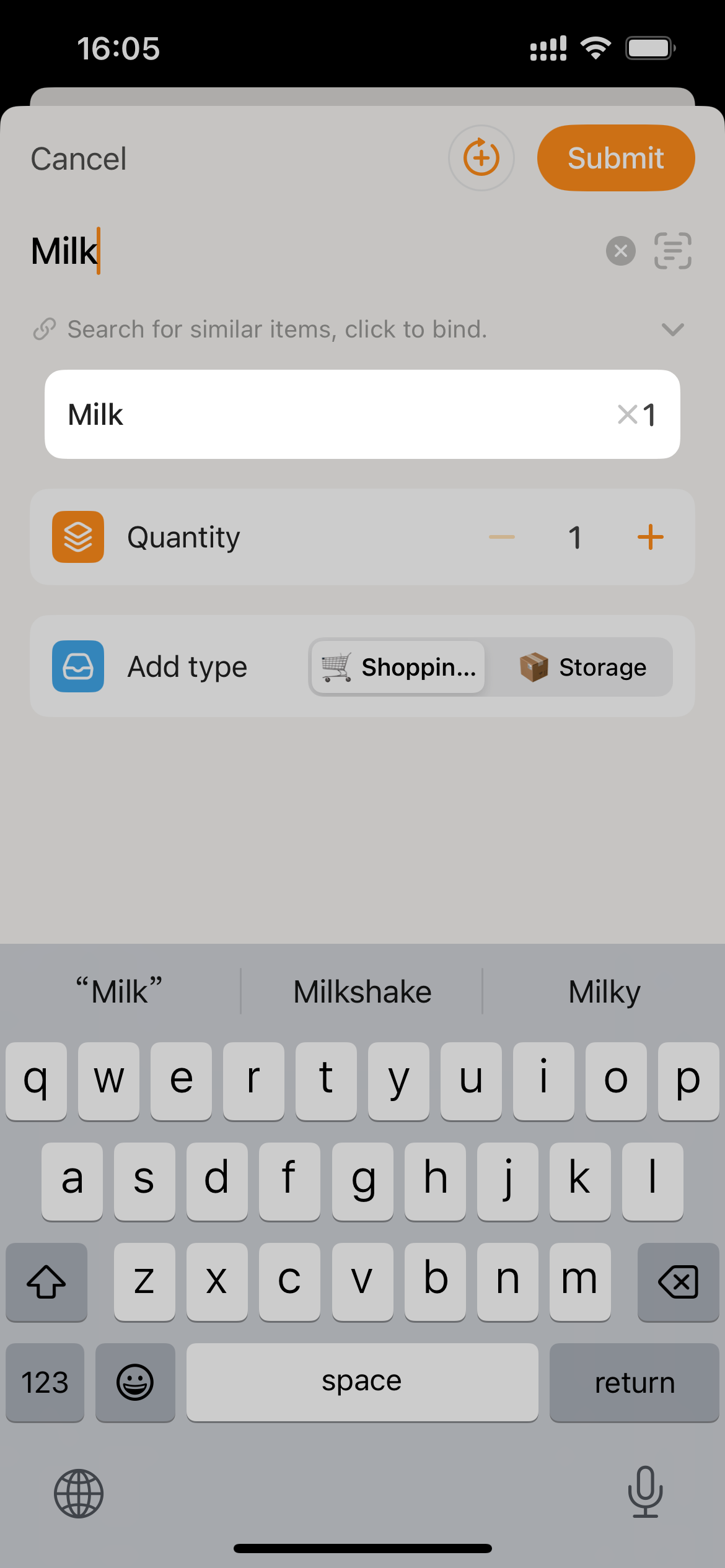
- While entering the item name on this page, Sorter will match items based on the name. Matching items will be displayed below the input box as item cards.
- After binding, select “Storage” as the Add type, set the quantity, and click
Submitto restock.