Using and Creating Folders
Prerequisite
- Users have editing permissions in the current collaborative space.
Using and creating folders is very similar to using Multi-level Tags. Both can be associated with combinations when adding or editing them.
Using Folders
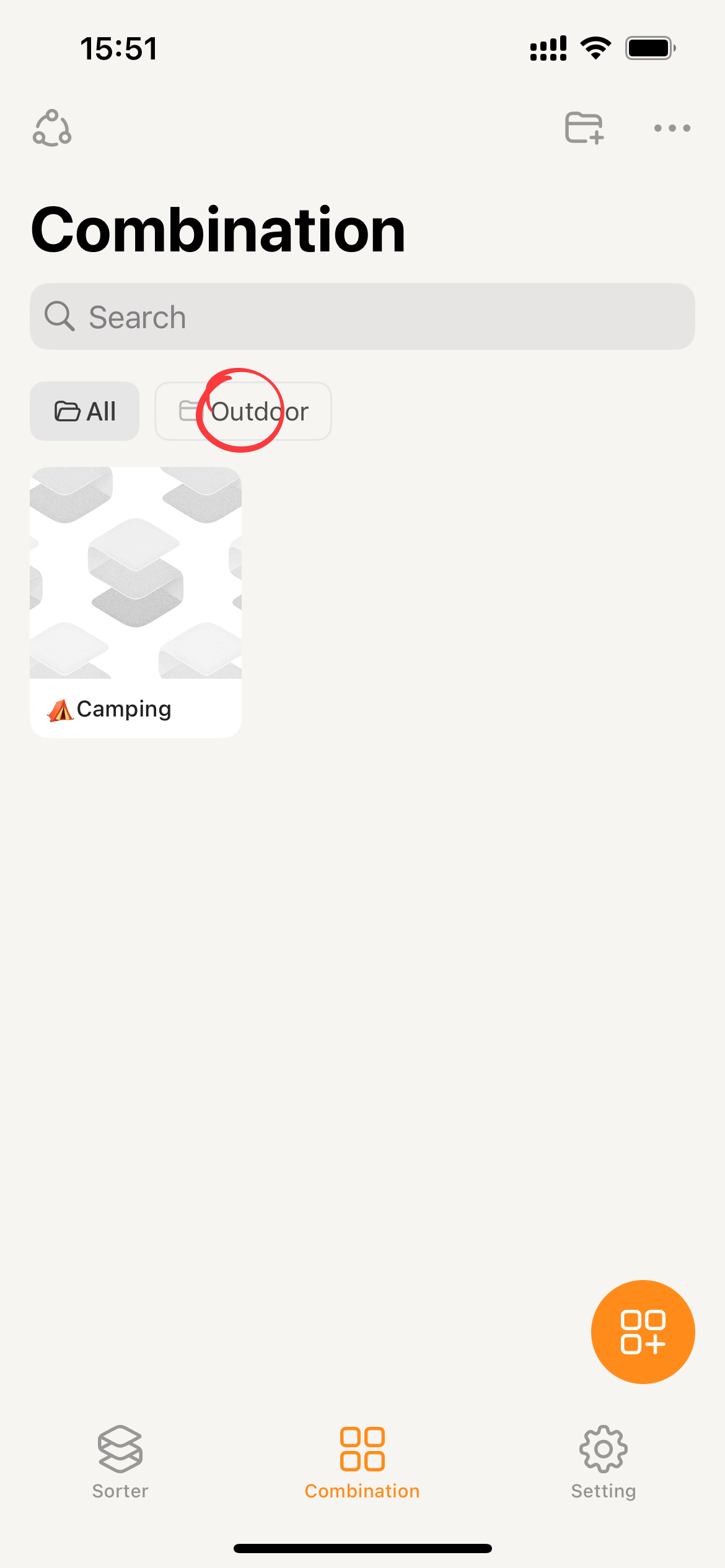
All folders will be displayed at the top of the combination page. Clicking on a folder will display the combinations that belong to that folder.
Moving Combinations to Folders
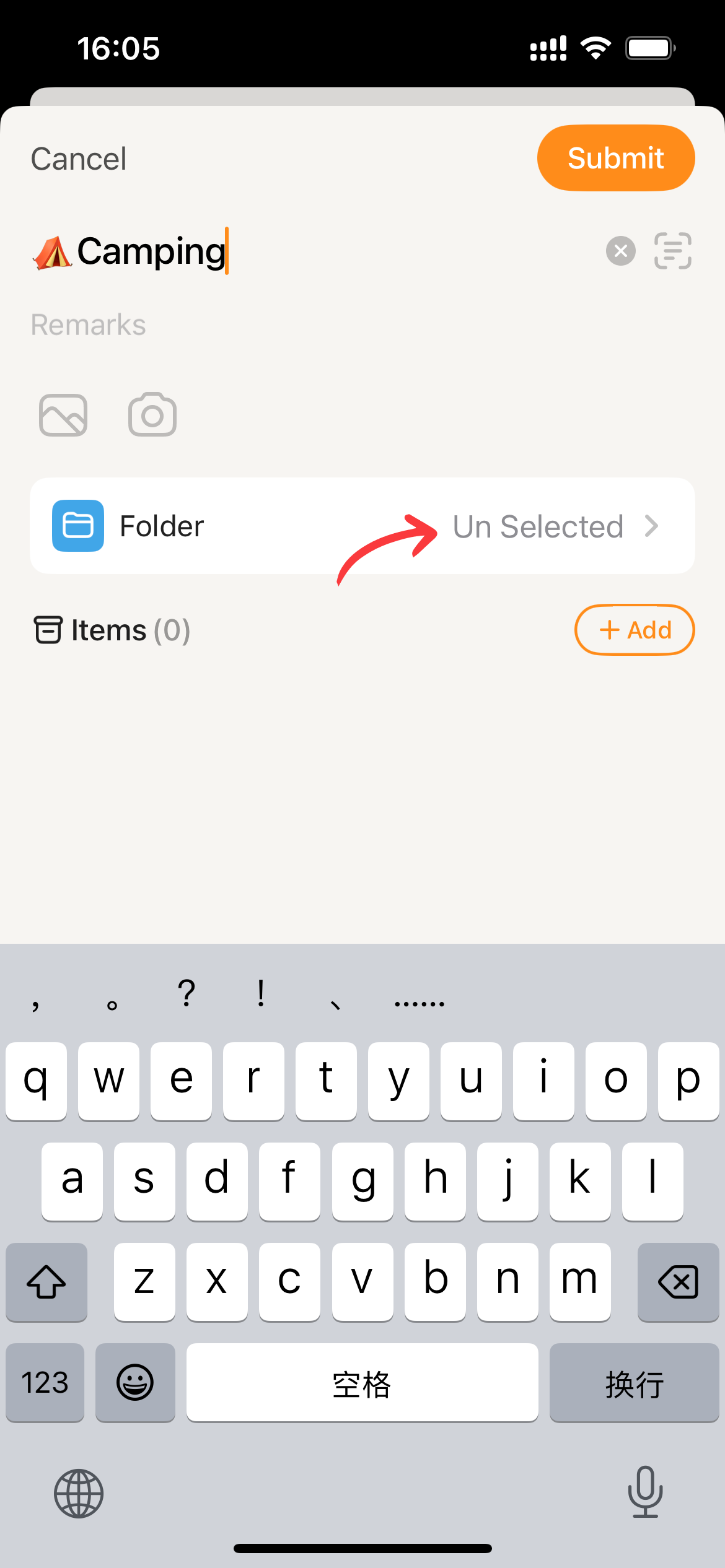
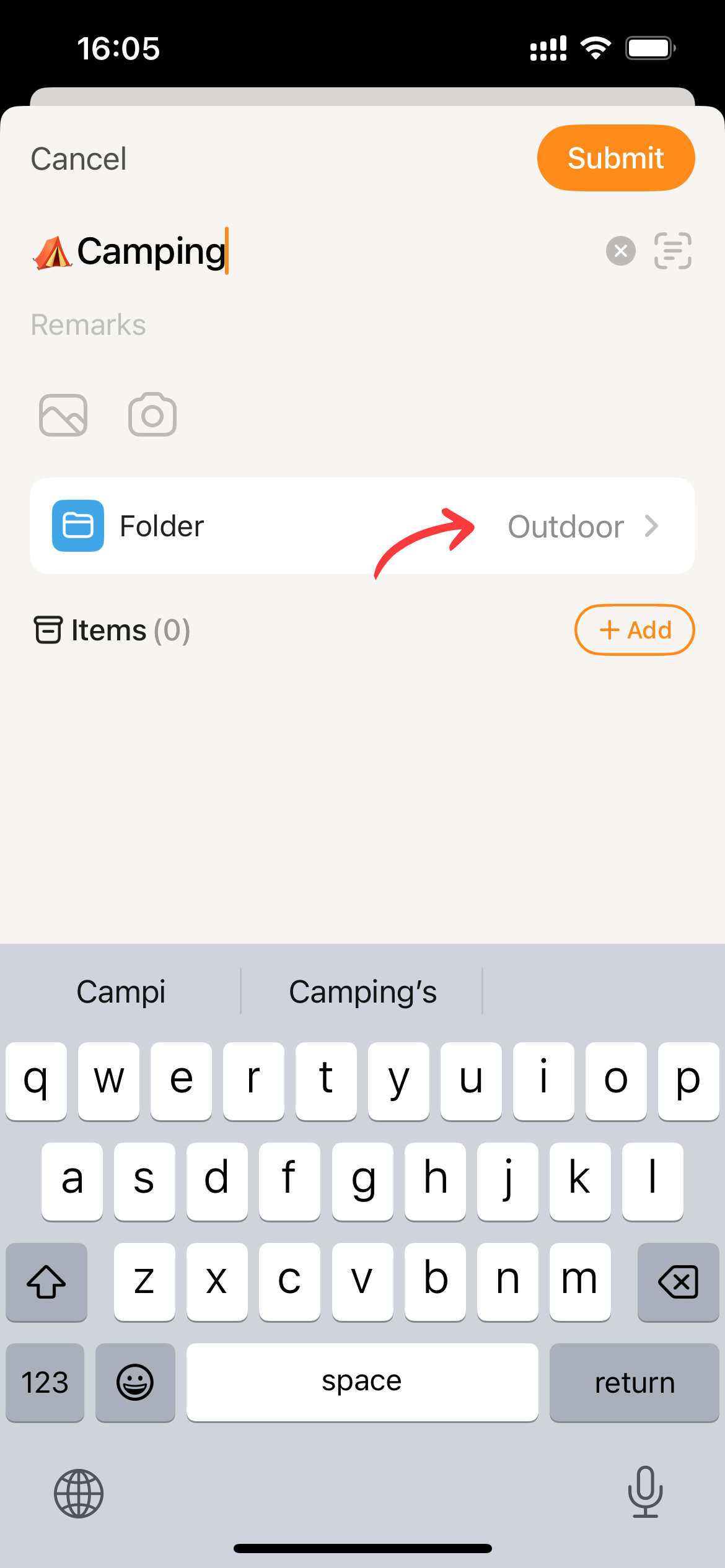
- When Create Combination, clicking on the “Folder” component will display a folder selection page. This page will show all of the folders in the current space.
- Select Folder.
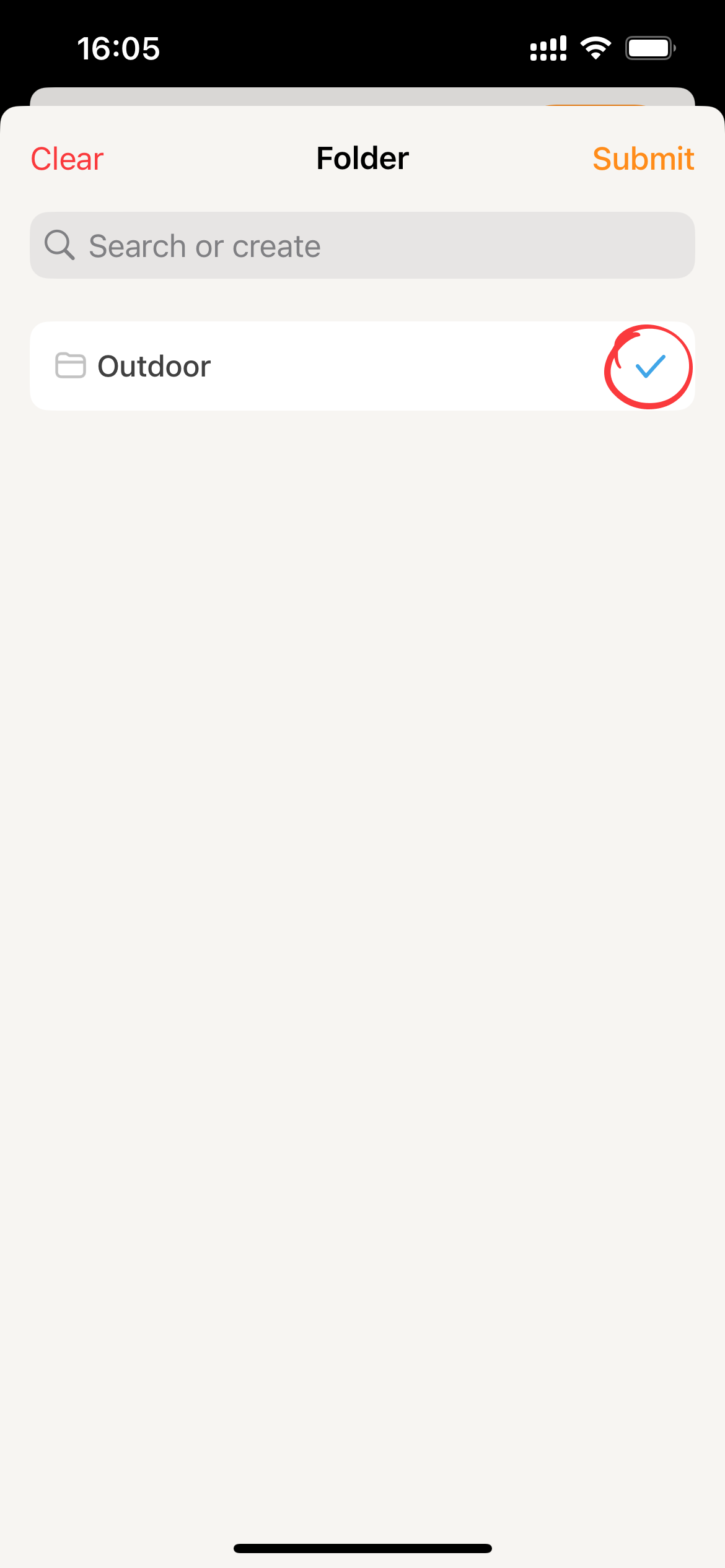
- Click
Submitto save the folder association and exit the folder selection page.
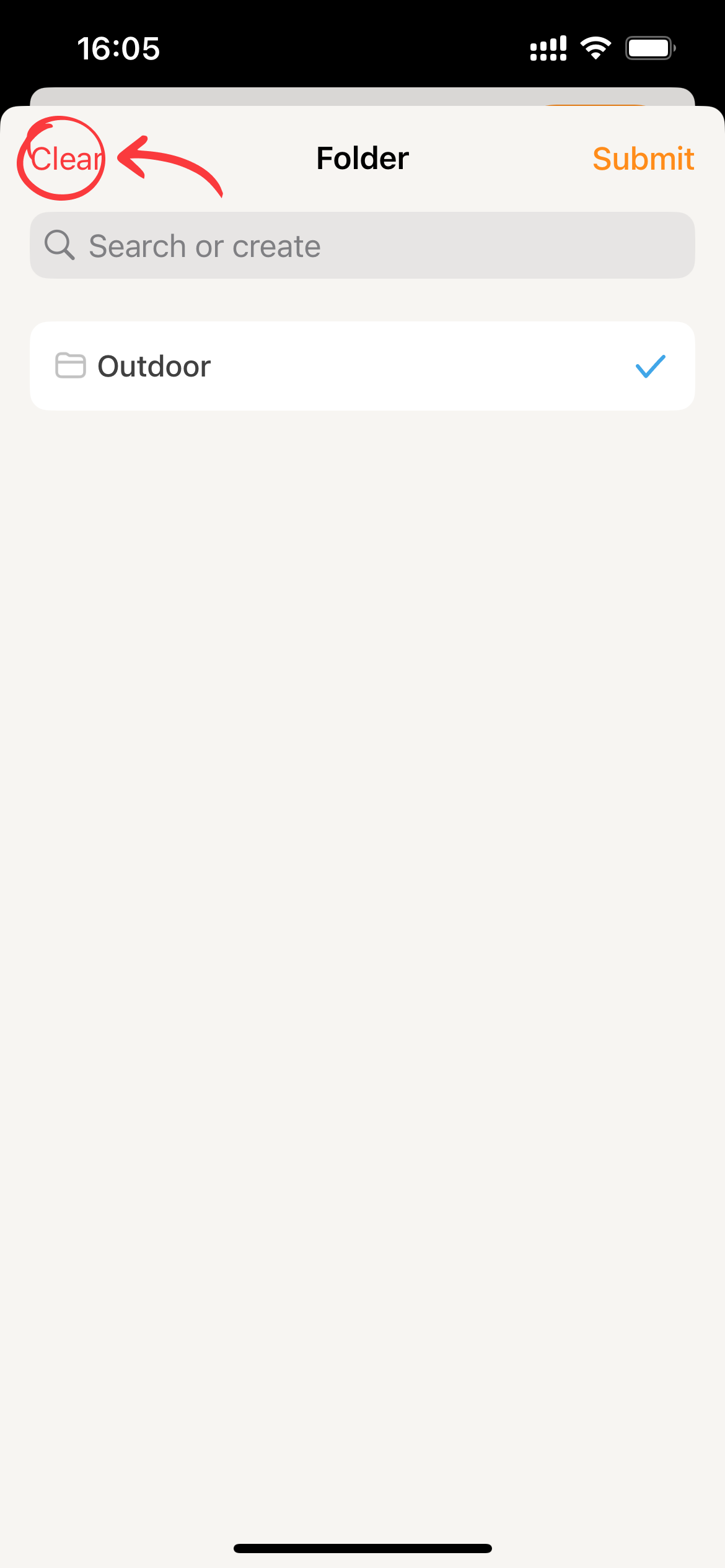
- To remove the folder association, click on the
Clearbutton in the top left corner of the page.
Create Folder
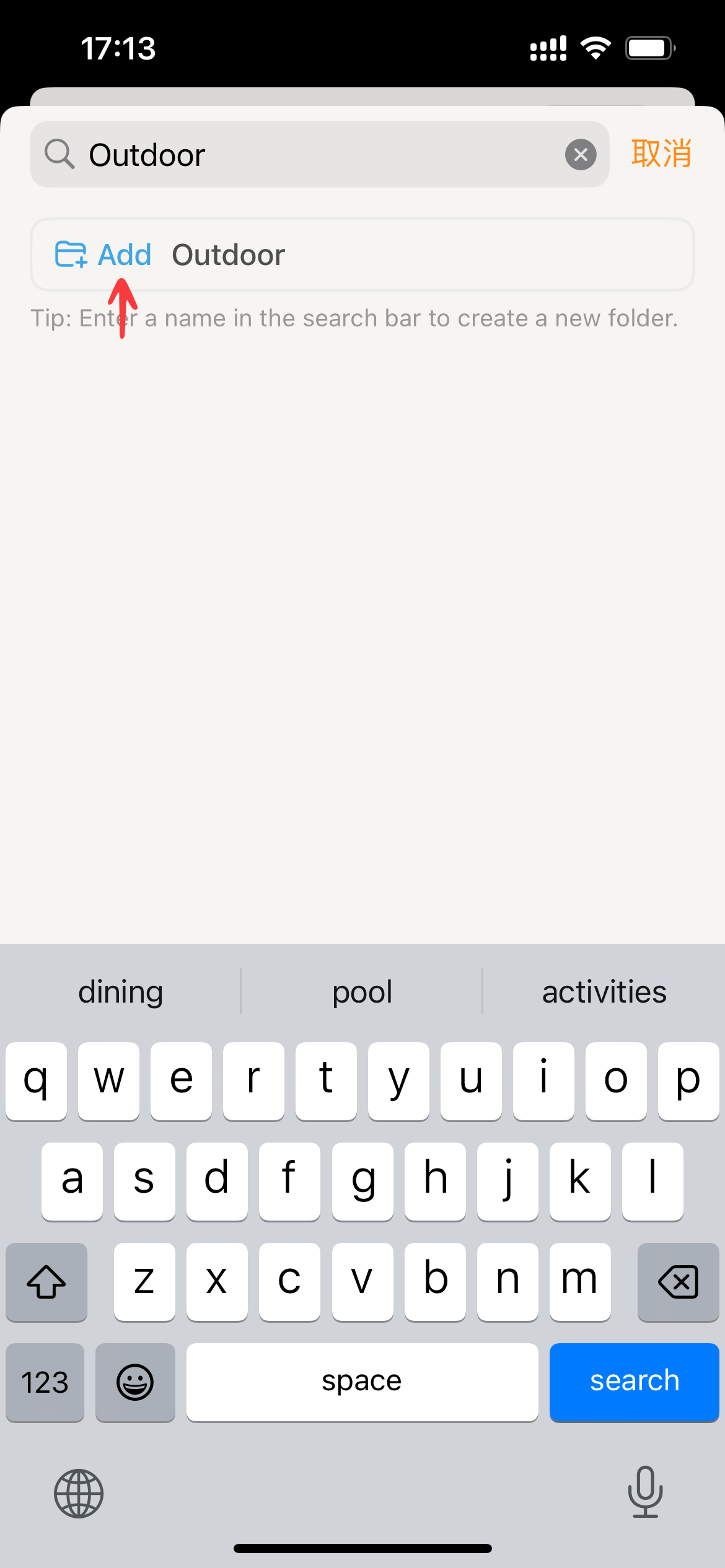
Creating Folders While Create Combination
In the #Moving Combinations to Folders workflow, users can seamlessly create new folders if they don’t find an existing one that suits their needs. This process mirrors the tag creation method described in Multi-level Tags.
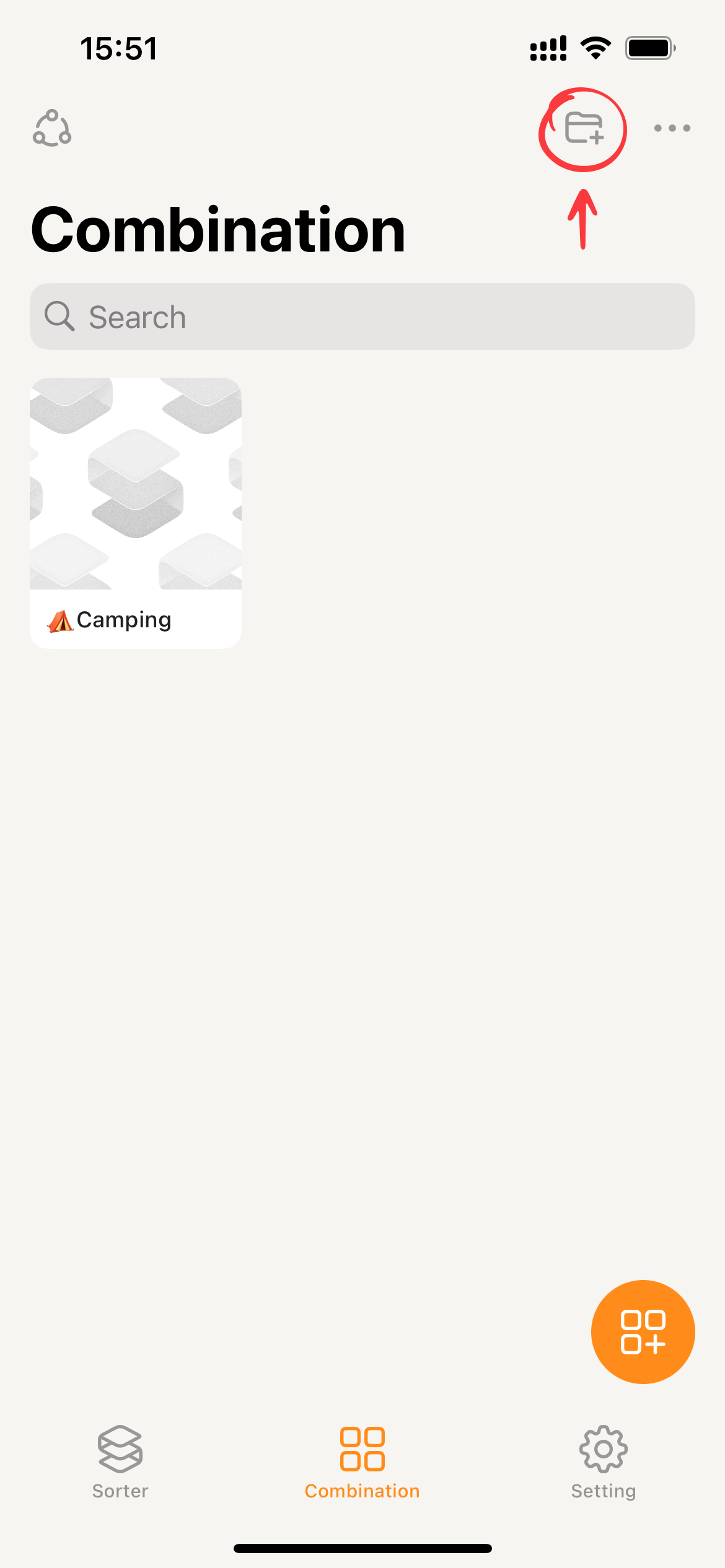
Creating Folders in the Combination Page
- Switching to Combinations and Clicking the
+:file_folder: Icon in the Top Right Corner.
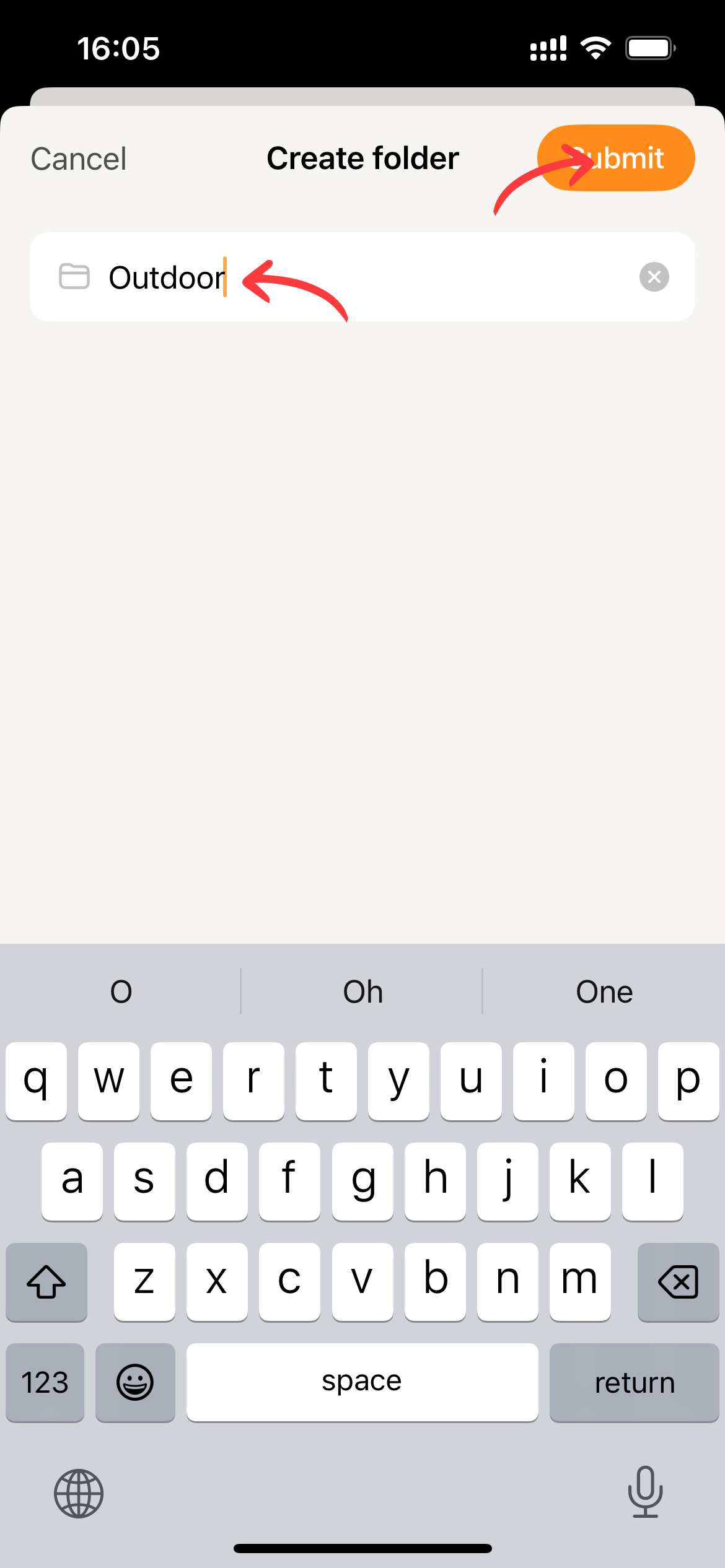
- Enter the folder name and click
Submitto create the folder.
Editing Folders
Both #Renaming folders and #Ordering folders can be accomplished within the “Folder” section of the settings interface.
Renaming folders
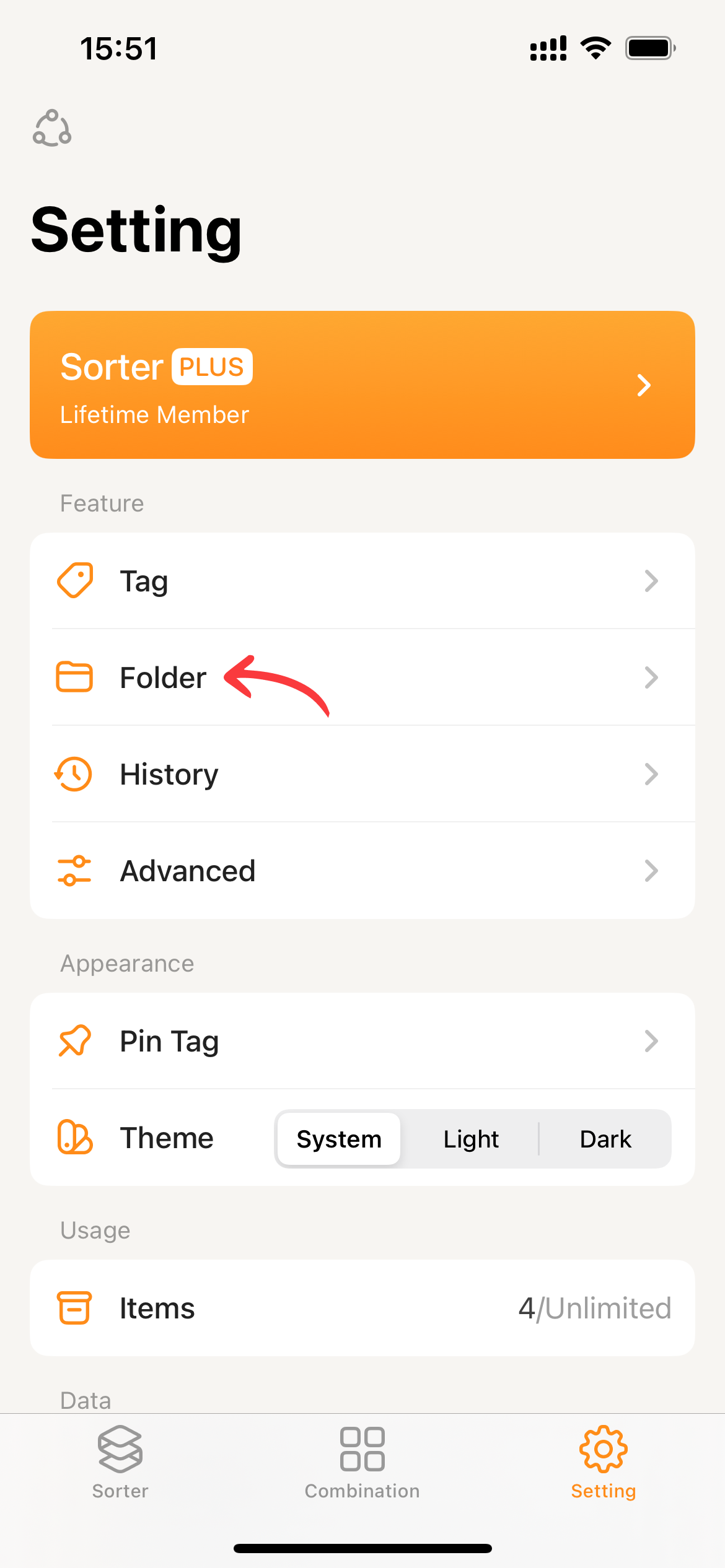
- Switching to “Settings” and Clicking
Folder
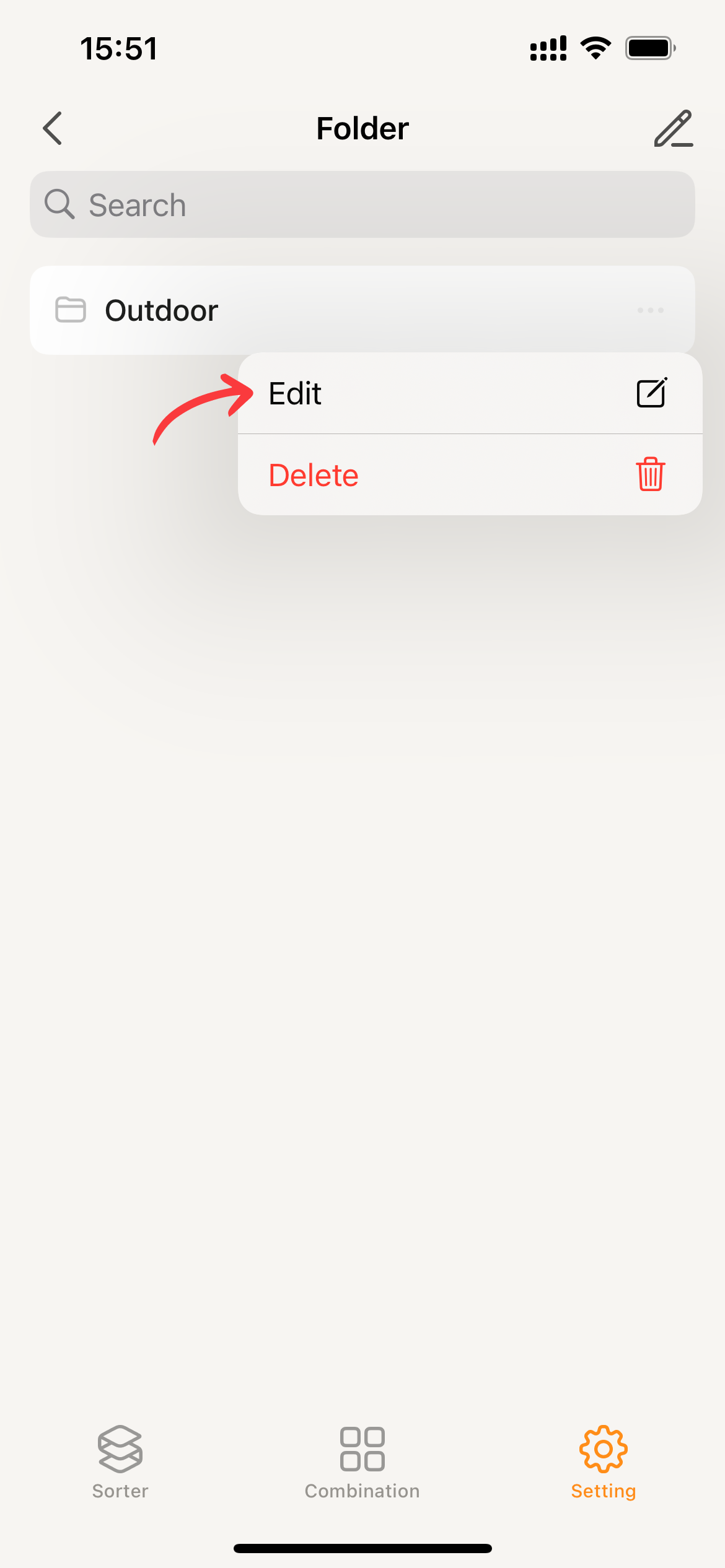
- Clicking the
...Icon and Selecting theEditMenu
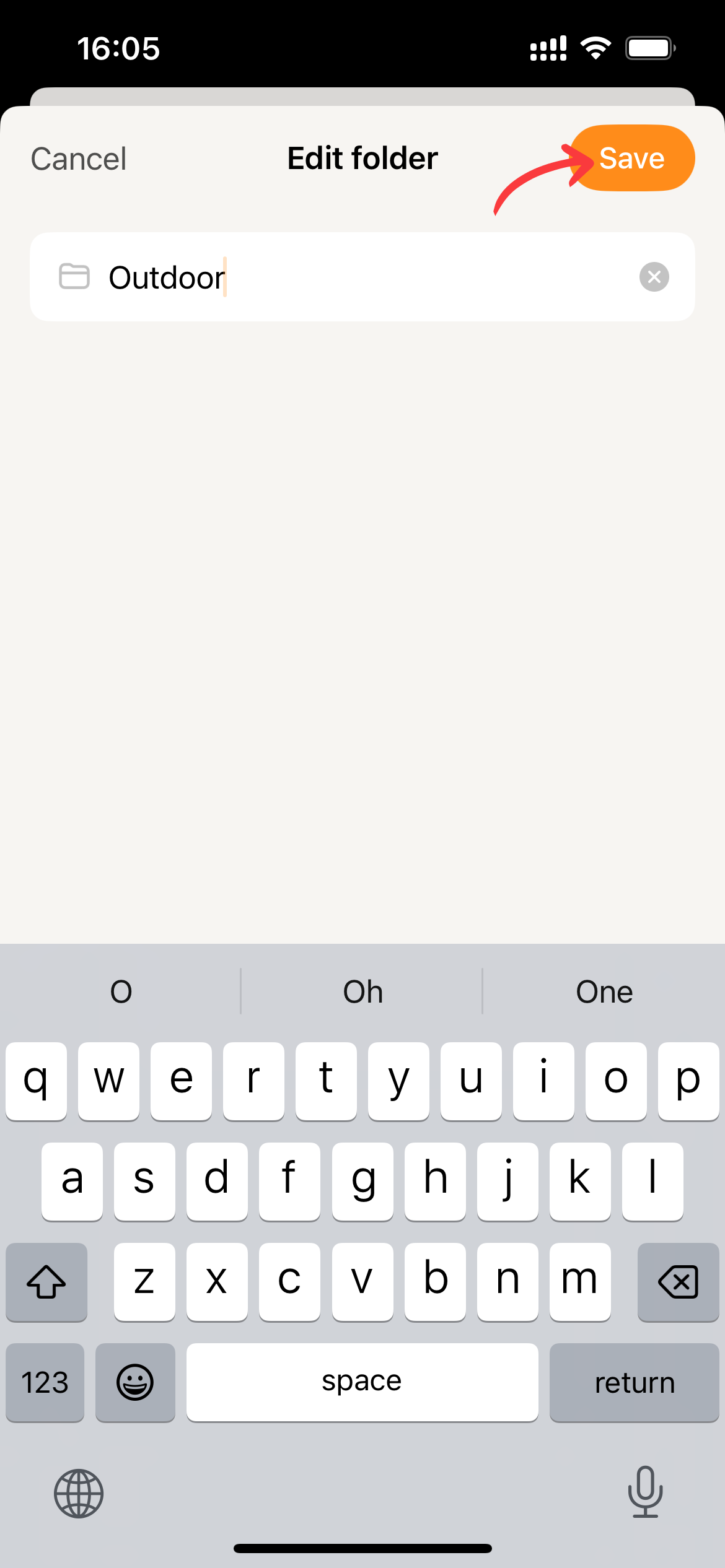
- Enter the new folder name and click
Saveto update the data.
Ordering folders
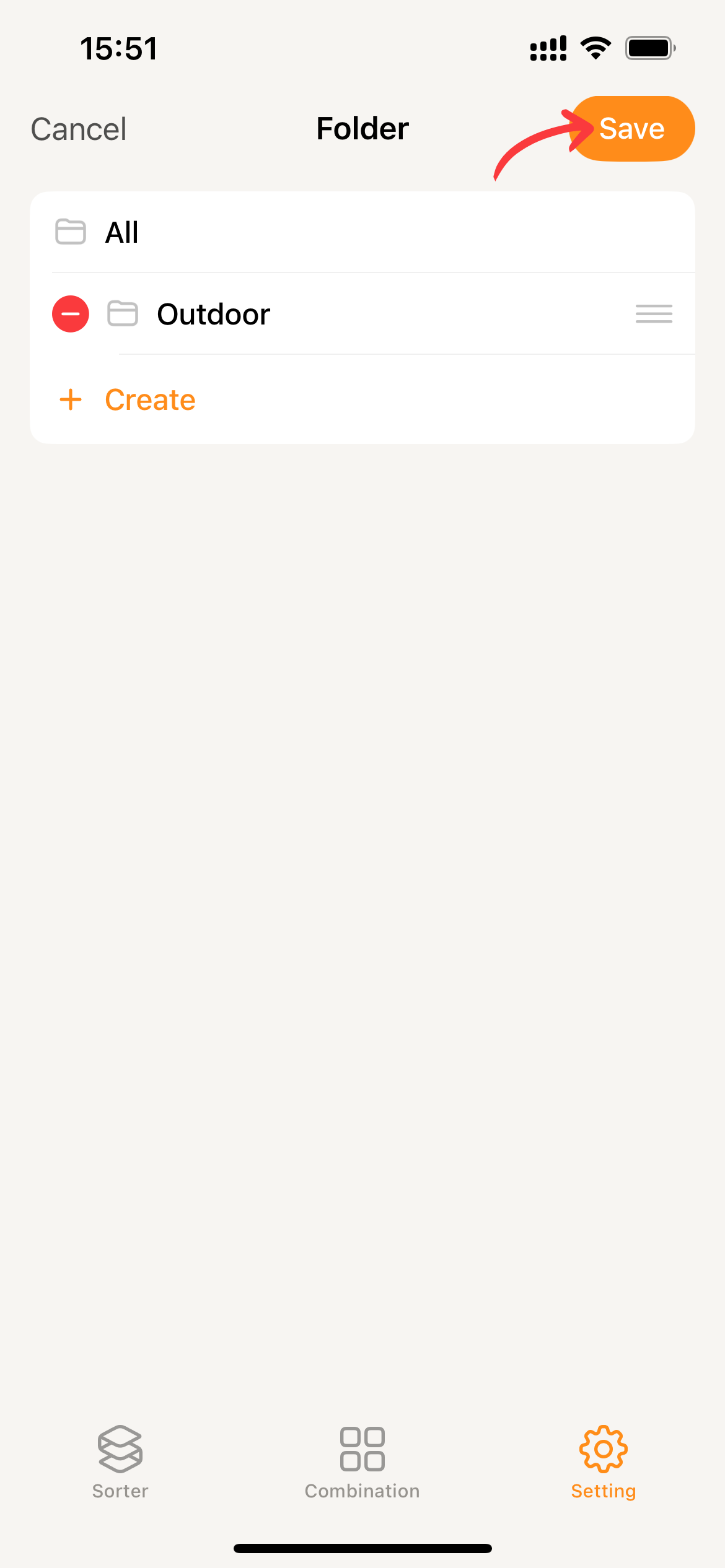
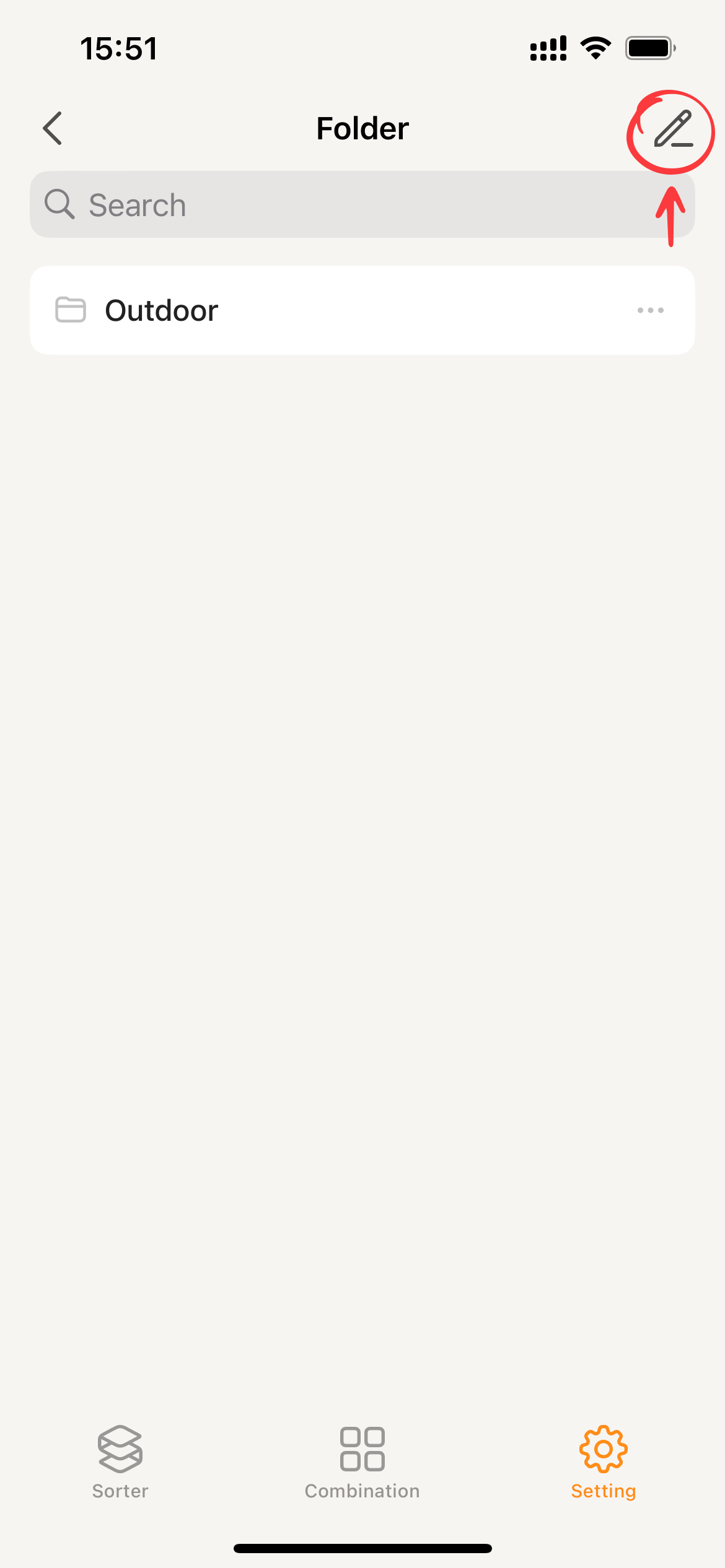
- On the folder page, click the ✏️ icon in the top right corner to enter the folder management page.
- Press and hold a folder to rearrange its order.
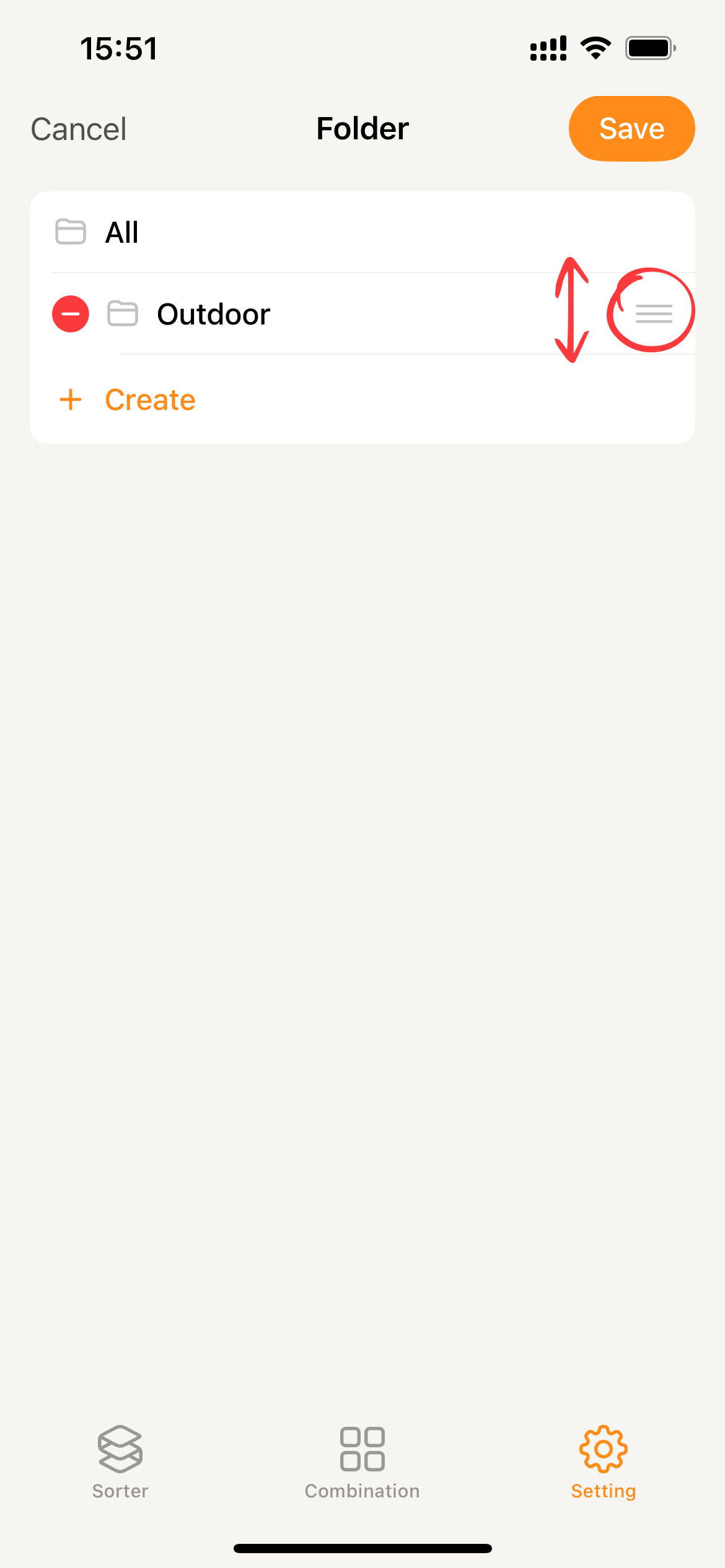
- Click
Saveafter setting the preferences to store the settings in Sorter.