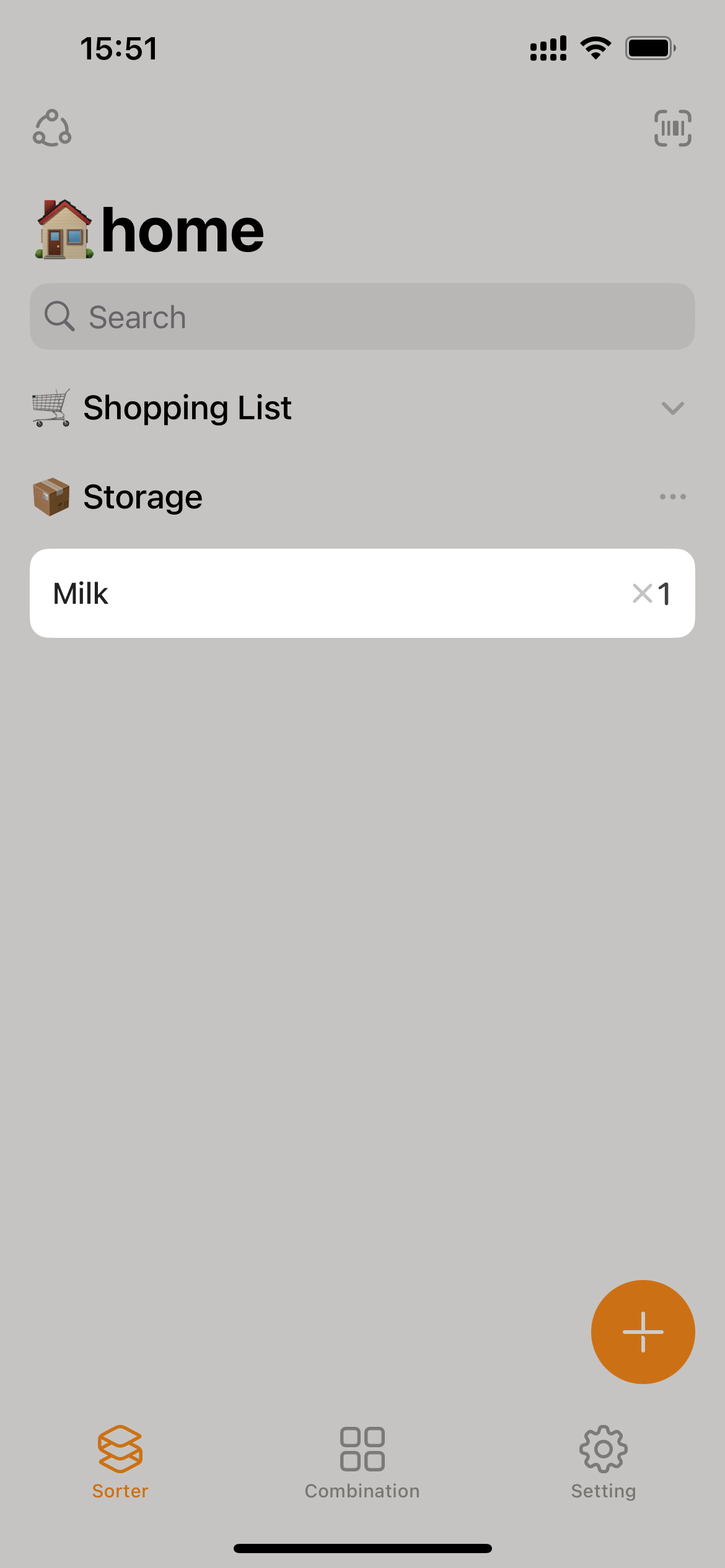
Converting items from the shopping list
Prerequisite Users have editing permissions in the current collaborative space. Free Users: Limited to 100 items.
After successfully adding an item, the original “Shopping list” entry will be automatically deleted.
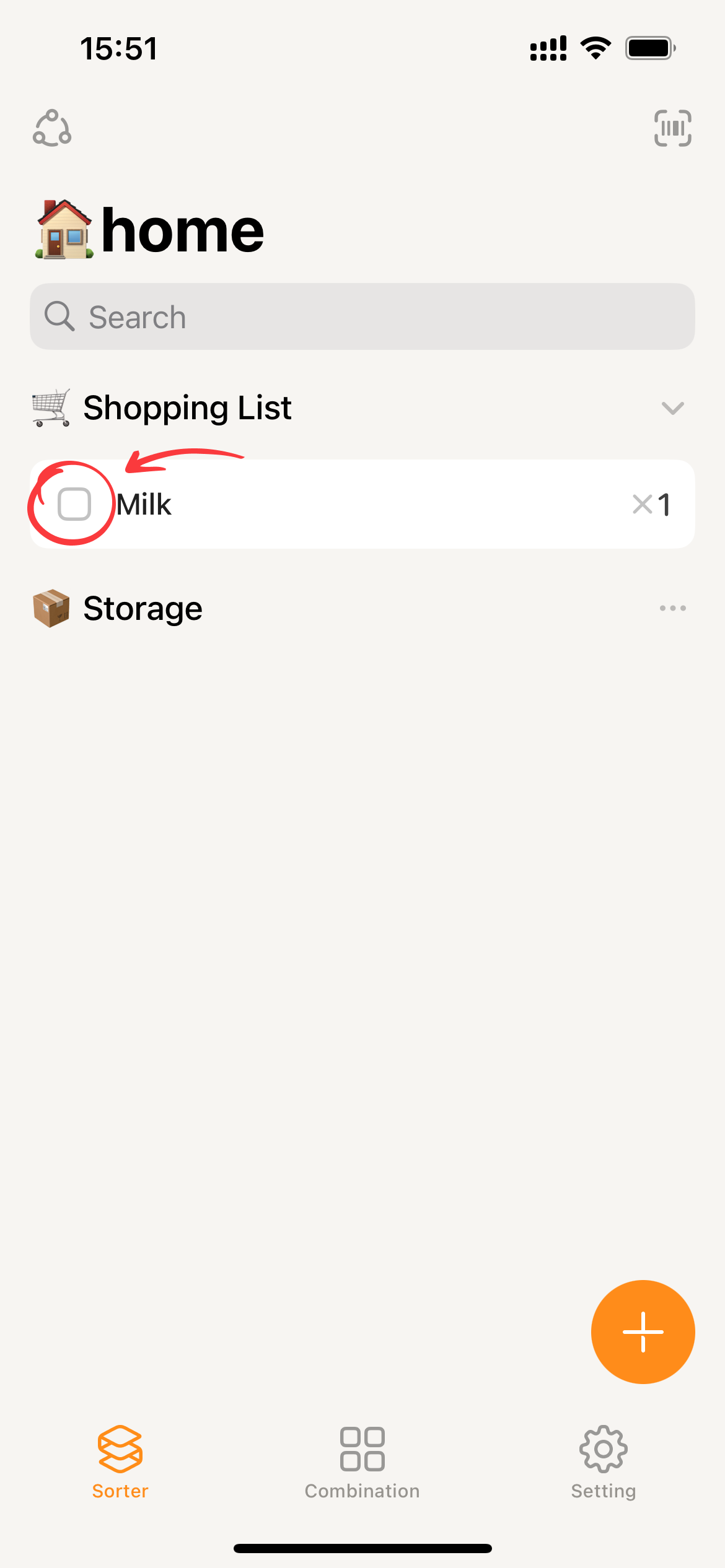
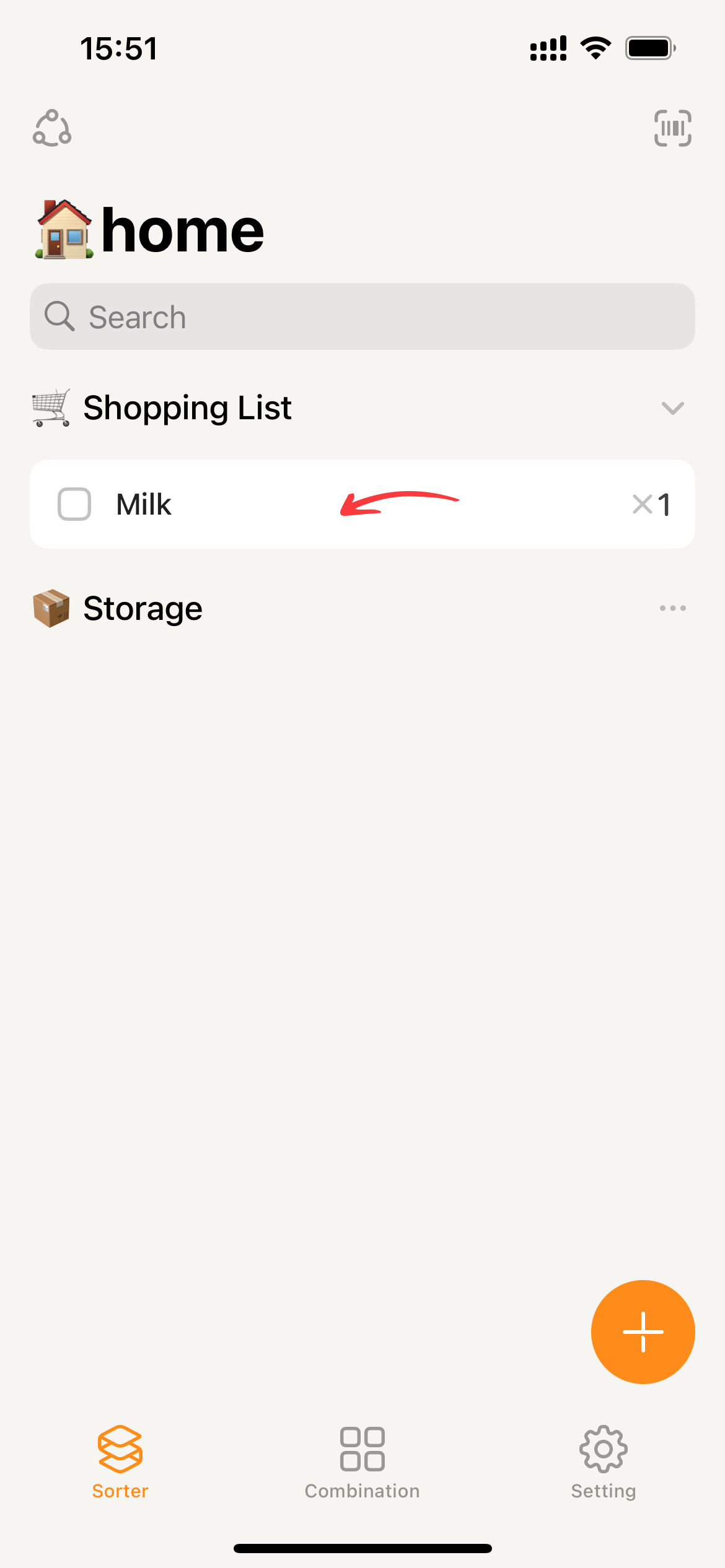
Click the □ in front of the “shopping list” card
- Clicking on the
□in front of the “Shopping list” card on the homepage will bring up the item addition page.
- Fill in the required item details on the page.
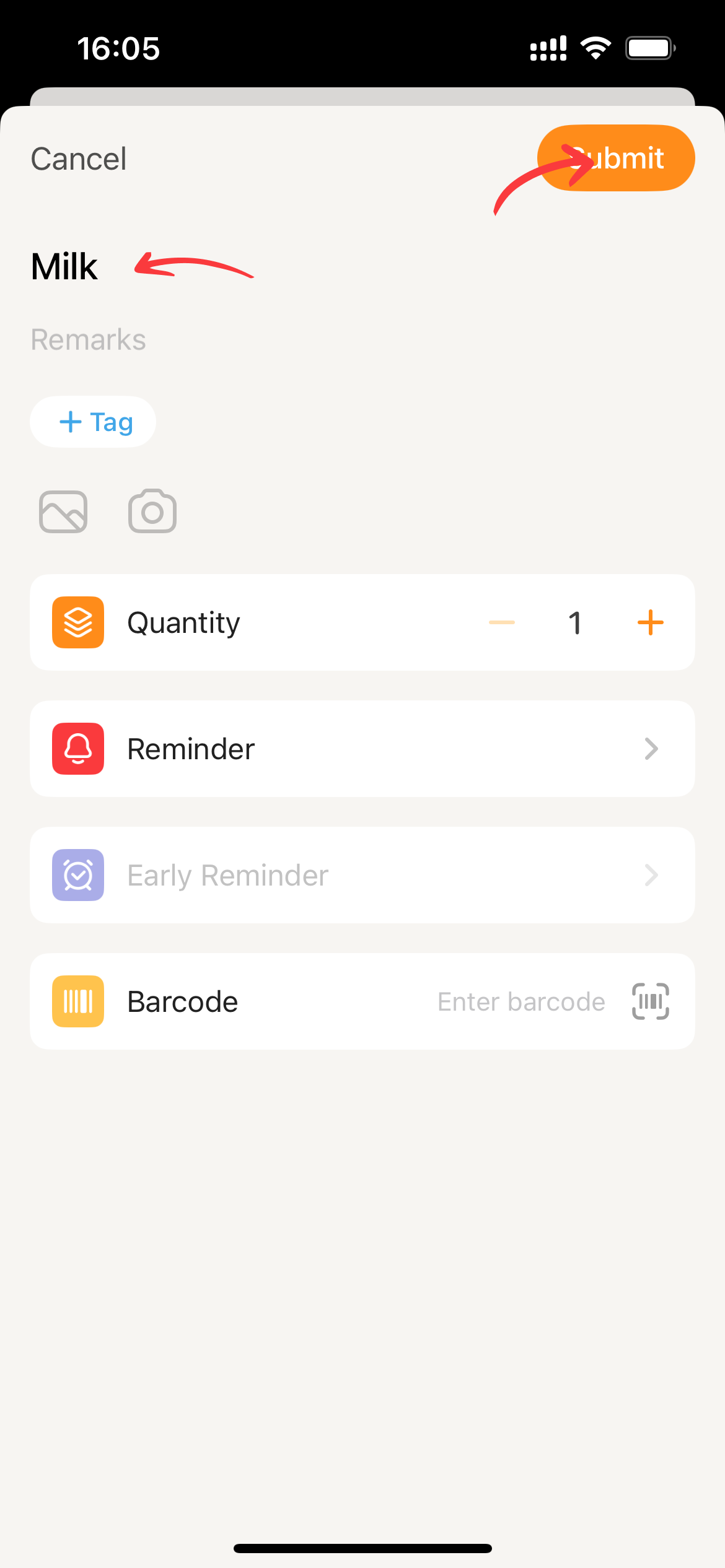
- Click
Submitand Sorter will proceed with adding the item.
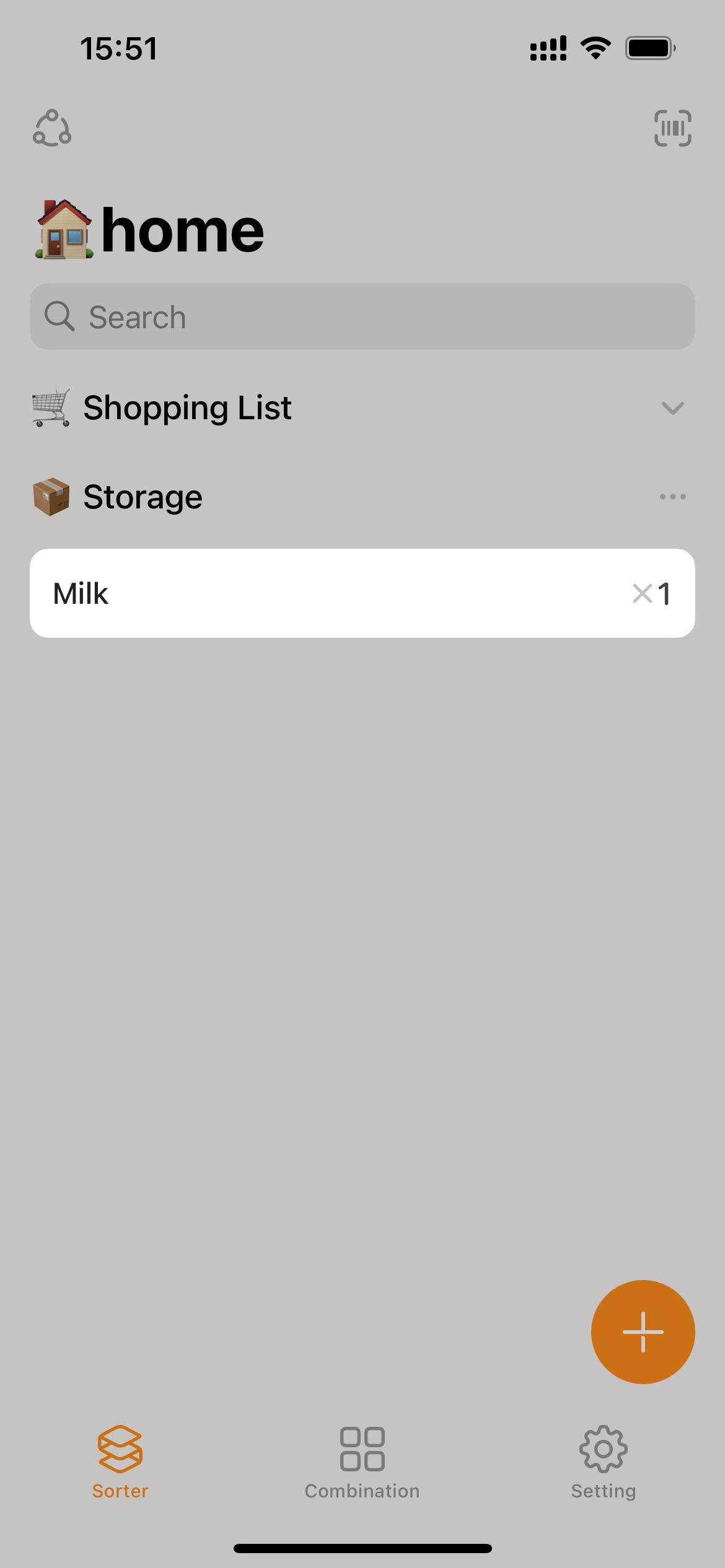
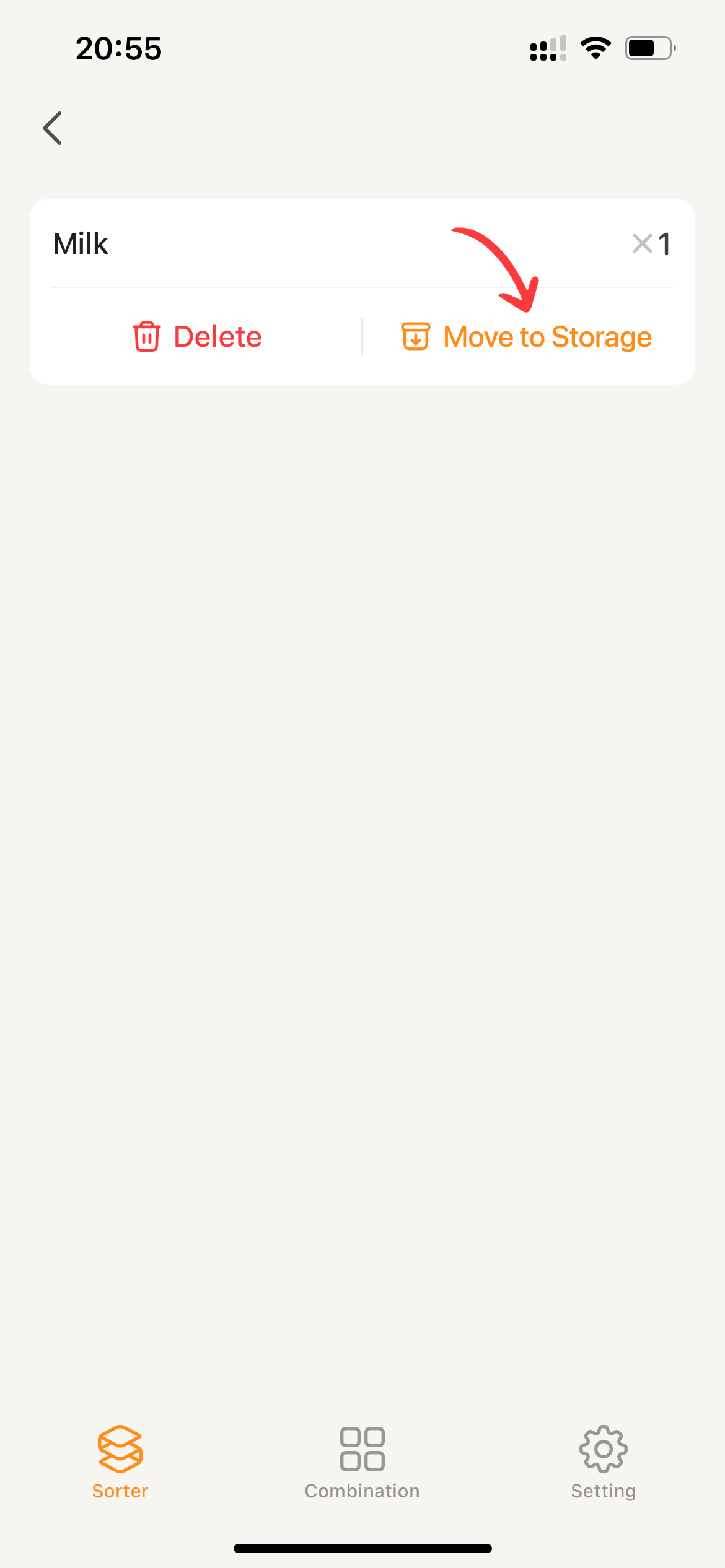
Click “Restock” on the shopping list details page
- Click on the “Shopping list” card to enter the shopping list details page.
- Click on Move
to storageto open the item addition page.
- The remaining operations follow the same logic as #Click the □ in front of the “shopping list” card.
- Click
Submitand Sorter will proceed with adding the item.